

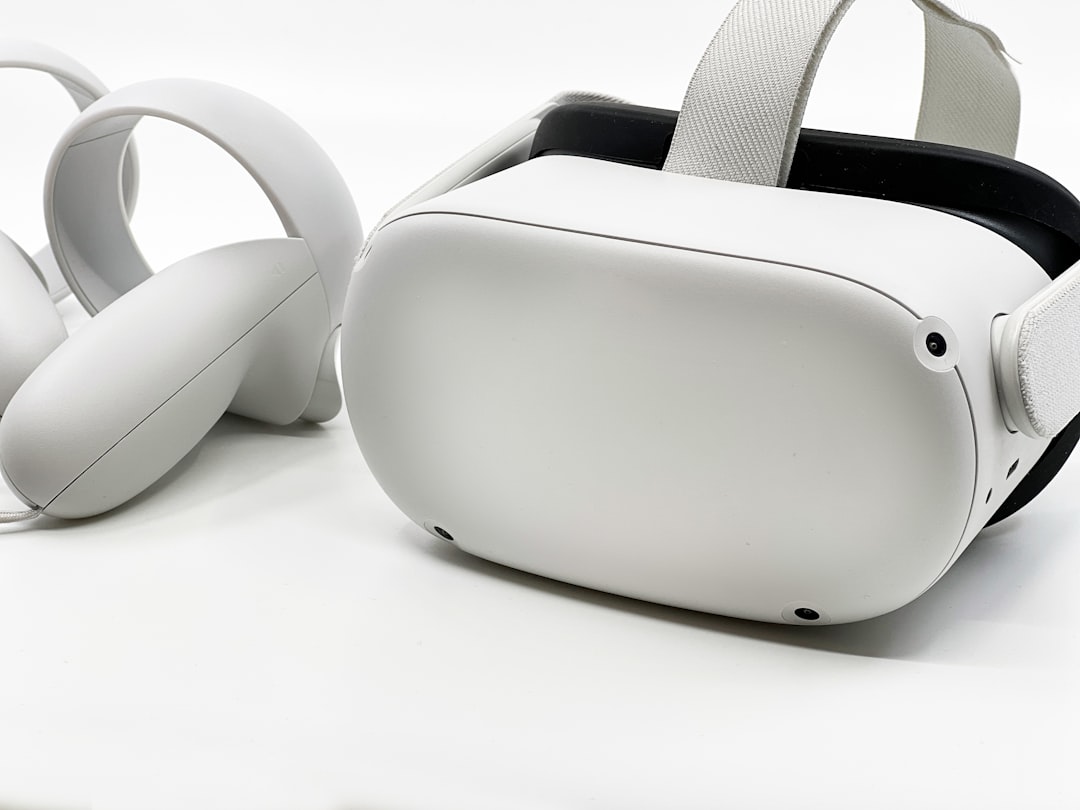
Unity is usually the safer first choice for lean VR teams, while Unreal Engine often wins when visual quality must look premium from day one. Both engines support Meta Quest, PC VR, OpenXR, hand tracking, physics, and real-time 3D workflows. The race is close because hardware is now cheaper and more common; Meta Quest 3 starts at $499.99 [source: Meta]. That price puts serious VR testing within reach for schools, training teams, game studios, and product designers.
TLDR: Unity tends to suit small teams that need fast builds, lower learning friction, and wide device support. Unreal Engine suits teams that need rich lighting, high-end scenes, and strong visual polish. For example, a five-person training studio building a 20-minute safety simulation for 200 warehouse workers may ship faster in Unity, while a car brand creating a glossy VR showroom may prefer Unreal. A practical split is simple: Unity for speed and broad production, Unreal for premium visuals and heavy 3D scenes.
Why Unity Still Has a Strong VR Lead
Unity became popular in VR because it made small teams feel capable. A developer could import a headset SDK, add controllers, set up teleport movement, and test a build without needing a giant art or tools department. That still matters.
Its biggest strength is iteration speed. VR development punishes slow testing. Every small change may need a headset check. Unity usually lets teams build, test, adjust, and repeat with less waiting. The editor is not perfect, but it feels approachable.
Unity also has a huge asset store. That helps teams buy prototypes, hands, UI kits, sound packs, training props, and room-scale templates. It can save weeks. The catch is that asset quality varies wildly. Some packages look useful until they add strange errors or break after an engine update. Expect to waste time cleaning that up.

Where Unreal Engine Pushes Ahead
Unreal Engine has a clear edge in visual impact. Its lighting, materials, post-processing, and cinematic tools can make VR scenes feel expensive. For architecture, automotive, product demos, and film work, that visual edge matters.
Blueprints are another major win. They let designers and technical artists build logic without writing every line of code. That opens VR creation to more people on the team. It also keeps programmers from becoming a bottleneck for every button, door, switch, or menu interaction.
Still, Unreal can feel heavy. Large projects may need stronger machines. Build times can drag. The editor can also feel crowded to newer users. It drives some teams nuts when a simple test takes longer than expected because shaders compile again. In VR, that delay feels even worse because comfort testing needs constant headset checks.
Performance Matters More in VR
VR is unforgiving. A flat-screen game can stutter and still be playable. A VR app that stutters can make users feel sick. Most teams target 72, 90, or 120 frames per second, depending on the headset and mode. That is a tough target.
Unity usually makes mobile VR optimization feel more direct. It is common in Quest-style apps, classroom simulations, medical training, and lightweight multiplayer spaces. Unreal can also run well on standalone headsets, but teams must be careful with lighting, materials, shadows, and scene complexity.
OpenXR also helps both engines support more hardware with less custom work [source: Khronos]. That is good news for teams that do not want to build separate versions for every headset.
- Unity works well for: quick prototypes, education, training, mobile VR, simulation, indie games.
- Unreal works well for: high-end visualization, premium games, product demos, film, architecture.
- Both engines work well for: OpenXR apps, controller input, hand tracking, multiplayer, and 3D UI.
Business Fit: Team Size, Budget, and Skill
The better engine is often the one the team can actually finish with. That sounds obvious, but it gets ignored. A beautiful unfinished Unreal demo earns nothing. A simple Unity training tool that reduces mistakes by 15% may be far more valuable.
Enterprise VR teams also need boring tools around the engine. Version control, device testing logs, issue tracking, analytics, and security checks matter. Teams planning production pipelines often pair VR work with essential IT tools so builds do not turn into chaos.
Some VR products also sit inside larger business systems. A financial firm may use VR for client education, portfolio rooms, or advisor training. In that case, teams may compare immersive software with broader wealth management technology platforms before choosing how the VR tool will connect to real workflows.

Which Engine Should a VR Team Pick?
Unity is the practical pick when a team needs lower friction, many plugins, faster mobile VR work, and easier hiring. It is especially useful for training, education, healthcare practice tools, and compact multiplayer rooms.
Unreal Engine is the premium pick when the project needs visual drama. It fits brands, studios, museums, real estate groups, and game teams that care deeply about lighting and realism.
Marketing also affects engine choice. If a company must sell VR software to CIOs, CTOs, or learning leaders, clear outreach matters as much as rendering. Teams may need lawful contact plans, not spam, especially when reaching technology buyers effectively.
The race has no single winner. Unity wins on speed and reach. Unreal wins on polish and visual depth. Smart teams choose based on the deadline, target headset, staff skills, and the level of realism users expect.
FAQ
- Is Unity better than Unreal Engine for VR beginners?
Usually, yes. Unity is often easier to learn and faster for simple VR prototypes. - Does Unreal Engine look better in VR?
Often, yes. Unreal has strong lighting, materials, and cinematic tools that help high-end scenes look polished. - Which engine is better for Meta Quest apps?
Unity is common for standalone Quest apps because it is lightweight and practical. Unreal can work well too, but it needs careful optimization. - Can both engines use OpenXR?
Yes. Both Unity and Unreal support OpenXR, which helps teams build for multiple VR devices. - Which engine should enterprise VR teams choose?
Unity fits training and simulation projects with tight deadlines. Unreal fits premium demos, product visualization, and realistic branded experiences.
