

QR codes have matured from a novelty into a practical bridge between physical and digital experiences. Restaurants use them for menus, event teams use them for check-ins, retailers use them for promotions, and businesses use them for payments, product packaging, reviews, Wi-Fi access, and lead capture. But not all QR code generators are equal: the best ones are reliable, secure, easy to customize, and capable of supporting your campaign after the code is printed.
TLDR: The most reliable QR code generators this year are the ones that combine uptime, security, customization, analytics, and long-term code management. For quick static codes, tools like Adobe Express, Canva, and QR Code Monkey are simple and effective. For business campaigns, dynamic QR code platforms such as Bitly, Uniqode, QR TIGER, Flowcode, and Scanova offer stronger tracking, editing, branding, and team features. Choose based on whether you need a one-time code or a professional system you can monitor and update over time.

What Makes a QR Code Generator Reliable?
A reliable QR code generator does more than produce a square pattern that scans correctly. Reliability means the code works consistently across devices, remains readable after printing, and keeps directing users to the right destination. For businesses, reliability also includes data protection, analytics accuracy, dashboard stability, and the ability to update links without reprinting materials.
Before choosing a platform, it helps to understand the difference between static and dynamic QR codes. A static QR code stores the final destination directly inside the code. Once created, it cannot be edited. A dynamic QR code points to a short redirect URL, which can later be changed in the platform dashboard. Dynamic codes are better for campaigns, packaging, event signage, and anything that may need updates.
Top Reliable QR Code Generators to Use This Year
1. Bitly QR Code Generator
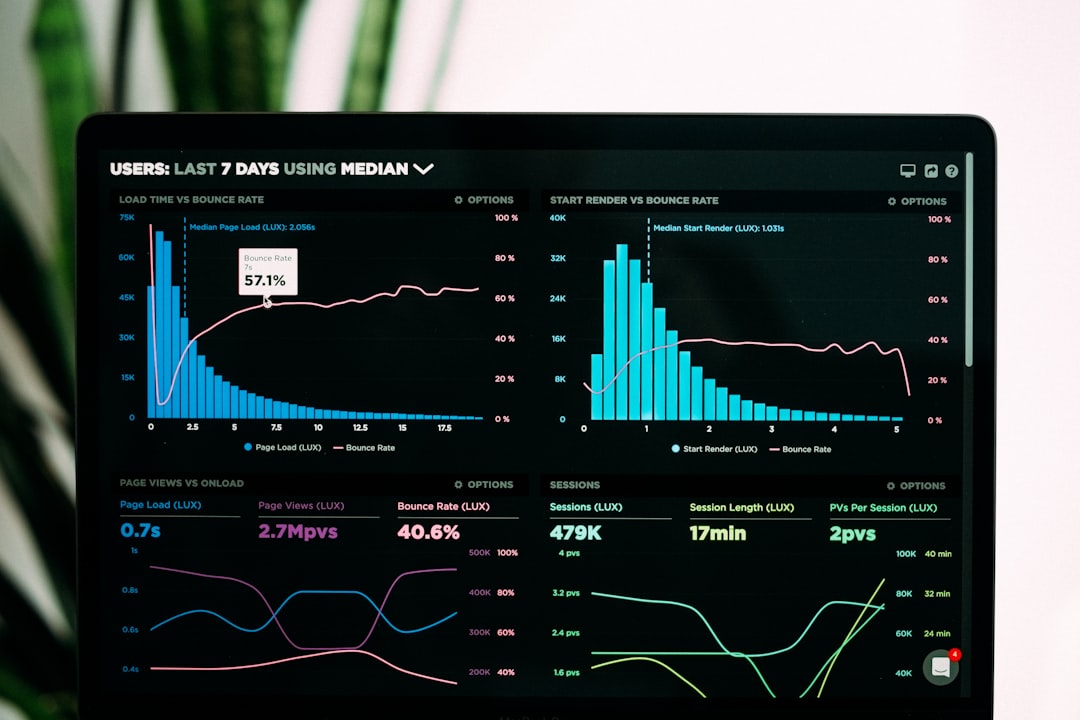
Bitly is widely known for link management, and its QR code tools benefit from that same infrastructure. It is a strong option for businesses that care about trackable links, short URLs, and campaign performance. Bitly’s platform makes it easy to generate QR codes connected to branded or shortened links, then monitor engagement over time.
The main advantage is trust. Bitly has long been used by marketers, publishers, and enterprise teams, so its analytics and redirect system are familiar to many organizations. If your QR codes are part of a broader link management strategy, Bitly is one of the most dependable choices.
- Best for: Marketing teams, analytics-focused campaigns, branded short links
- Strengths: Link tracking, brand recognition, dashboard usability
- Consider if: You want QR codes and link management in one place
2. Uniqode
Uniqode, formerly known as Beaconstac, is built for businesses that need professional QR code management. It offers dynamic QR codes, bulk creation, analytics, custom domains, templates, user permissions, and integrations. For larger teams, this platform stands out because it treats QR codes as a serious operational tool rather than a simple design accessory.
Uniqode is especially useful for brands using QR codes across packaging, retail displays, business cards, events, or multi-location campaigns. Its reliability comes from its enterprise-minded features, including security controls and detailed scan data.
- Best for: Enterprises, agencies, retail brands, multi-location businesses
- Strengths: Dynamic QR codes, bulk generation, security, team workflows
- Consider if: You need scalable QR code management with analytics
3. QR TIGER
QR TIGER is a feature-rich QR code platform that appeals to both small businesses and professional marketers. It supports dynamic QR codes, editable destinations, tracking, logo customization, and a wide range of QR types, including URLs, files, vCards, social media pages, app downloads, and menus.
One of QR TIGER’s strengths is flexibility. It offers many campaign-oriented tools without being overly complicated for beginners. If you want a QR code generator that feels powerful but still approachable, QR TIGER is worth considering.
- Best for: Small businesses, restaurants, creators, marketing teams
- Strengths: Many QR code types, customization, dynamic editing
- Consider if: You want a balanced mix of features and ease of use
4. Flowcode
Flowcode is a polished QR code generator with a strong focus on branding, design, and customer engagement. It is popular for consumer-facing campaigns because its codes can look more visually distinctive than standard black-and-white options. Flowcode also provides analytics, dynamic destination updates, and tools for collecting first-party data.
For brands that care about appearance, Flowcode is particularly appealing. Its QR codes can be styled to fit packaging, posters, merchandise, and event materials while remaining scannable. That balance between design and function is important, because an attractive QR code is useless if it fails in real-world lighting, print, or distance conditions.
- Best for: Consumer brands, events, creators, product campaigns
- Strengths: Design quality, engagement tools, analytics
- Consider if: Visual branding is a major priority
5. Canva QR Code Generator
Canva is best known as a design platform, but its QR code feature is convenient for users who are already building flyers, menus, business cards, posters, or social media graphics. Instead of creating a QR code elsewhere and importing it, you can generate and place it directly inside your design.
Canva is a reliable choice for simple static QR codes. It is ideal when you need a quick code for a flyer, handout, invitation, or classroom material. However, if you need advanced analytics or the ability to change the destination later, you may want a dedicated dynamic QR platform instead.
- Best for: Designers, educators, small businesses, simple print materials
- Strengths: Easy design integration, beginner-friendly interface
- Consider if: You mainly need static codes inside visual designs
6. Adobe Express QR Code Generator
Adobe Express offers a clean, easy QR code generator that works well for quick projects. It is straightforward, visually polished, and suitable for users who want to create a code without learning a full marketing platform. Like Canva, it is especially useful when connected to design work such as branded flyers, posters, announcements, and small-business materials.
Adobe Express is most appropriate for users who need a professional-looking static QR code quickly. It does not aim to replace enterprise QR management systems, but for simple use cases, it provides a dependable experience from a trusted software ecosystem.
- Best for: Quick static QR codes, design projects, small business materials
- Strengths: Ease of use, clean output, trusted creative platform
- Consider if: You want a simple, no-fuss QR code generator
7. QR Code Monkey
QR Code Monkey has been a popular free QR code generator for years because it offers more customization than many basic tools. Users can add colors, logos, and different shapes, then download high-resolution files suitable for print. It is especially useful for static QR codes that need to look more branded than a plain square.
The platform’s appeal is its simplicity. You enter the destination, customize the appearance, test the code, and download it. For one-time use cases, it remains a practical option. Still, users should remember that static codes cannot be edited after creation, so every URL should be checked carefully before printing.
- Best for: Free static QR codes, branded visuals, quick downloads
- Strengths: Customization, high-resolution exports, easy workflow
- Consider if: You do not need tracking or future edits
8. Scanova
Scanova is another dependable option for businesses and agencies that need dynamic QR codes, analytics, landing pages, lead generation, and campaign management. It is particularly useful for marketing campaigns where QR codes are connected to forms, coupons, documents, app links, or product information.
Scanova’s value lies in its practical business features. It supports common professional needs without overwhelming users with unnecessary complexity. For companies that want to move beyond basic QR creation and into measurable campaigns, Scanova is a strong contender.
- Best for: Agencies, campaign managers, lead generation, business promotions
- Strengths: Dynamic codes, landing pages, analytics, campaign tools
- Consider if: You want QR codes tied to measurable marketing outcomes
How to Choose the Right QR Code Generator
The best QR code generator depends on how you plan to use it. A school announcement, wedding invitation, or small event flyer might only need a simple static code. A product package, billboard, restaurant menu, or paid advertising campaign should usually use a dynamic QR code because mistakes and updates are expensive after printing.
Use this quick checklist before committing to a platform:
- Editing: Can you change the destination after the QR code is created?
- Analytics: Can you track scans by time, location, device, or campaign?
- Customization: Can you add brand colors, frames, logos, and calls to action?
- Export quality: Can you download SVG, PNG, or PDF files for sharp printing?
- Security: Does the platform support safe redirects, permissions, and reliable hosting?
- Scalability: Can it handle bulk generation, multiple users, or API access?
- Cost: Are dynamic codes, analytics, and custom domains included in the plan you need?
Static vs. Dynamic: Which Should You Use?
Choose a static QR code when the destination will never change and you do not need scan tracking. Static codes are great for permanent information, simple website links, or low-risk personal projects. They are also useful when you want to avoid depending on a third-party redirect service.
Choose a dynamic QR code when the code will be printed, distributed widely, or used in a campaign. Dynamic QR codes let you update the destination, measure performance, run A/B tests, and fix errors. For most business uses, dynamic codes are worth the extra cost because they protect you from reprinting materials when something changes.
Tips for Creating QR Codes That Actually Work
Even the most reliable generator cannot fix poor implementation. To improve scan rates, keep your design clear and test it in real conditions. A QR code on a glossy poster, curved bottle, tiny business card, or dimly lit table tent may behave differently than it does on your computer screen.
- Test before printing: Scan the code with multiple phones and camera apps.
- Use enough contrast: Dark codes on light backgrounds are the safest choice.
- Leave a quiet zone: Keep blank space around the code so scanners can detect it.
- Add context: Use a short call to action like Scan for menu or Scan to register.
- Choose the right size: Larger viewing distances require larger QR codes.
- Avoid overdesigning: Logos and colors are useful, but readability comes first.
Final Verdict
The most reliable QR code generator this year is not a single universal winner; it is the one that matches your needs. For quick static codes, Canva, Adobe Express, and QR Code Monkey are easy and dependable. For professional campaigns, Bitly, Uniqode, QR TIGER, Flowcode, and Scanova provide the dynamic editing, analytics, branding, and management features that businesses need.
If your QR code will appear on anything costly to reprint, choose a dynamic platform. If it is a one-time personal or low-risk project, a static generator may be perfectly sufficient. The smartest approach is simple: define the purpose, choose the right level of control, test thoroughly, and make sure the user experience after the scan is just as polished as the code itself.
