


Automated repair software saves repair shops from the daily mess. Fewer sticky notes. Fewer missed calls. Fewer “Who moved the work order?” moments. The U.S. had about 782,200 automotive service technician and mechanic jobs in 2023, so keeping work organized is not a small thing [source: BLS].
TLDR: Automated repair software helps shops book jobs, track parts, send estimates, collect payments, and talk to customers. A 6-bay shop could save 8 to 12 hours per week by moving from paper tickets to digital workflows. For example, if a service writer sends 25 estimates a day, canned jobs and digital approvals can cut several minutes from each one. That adds up fast, and yes, your front desk will feel it.
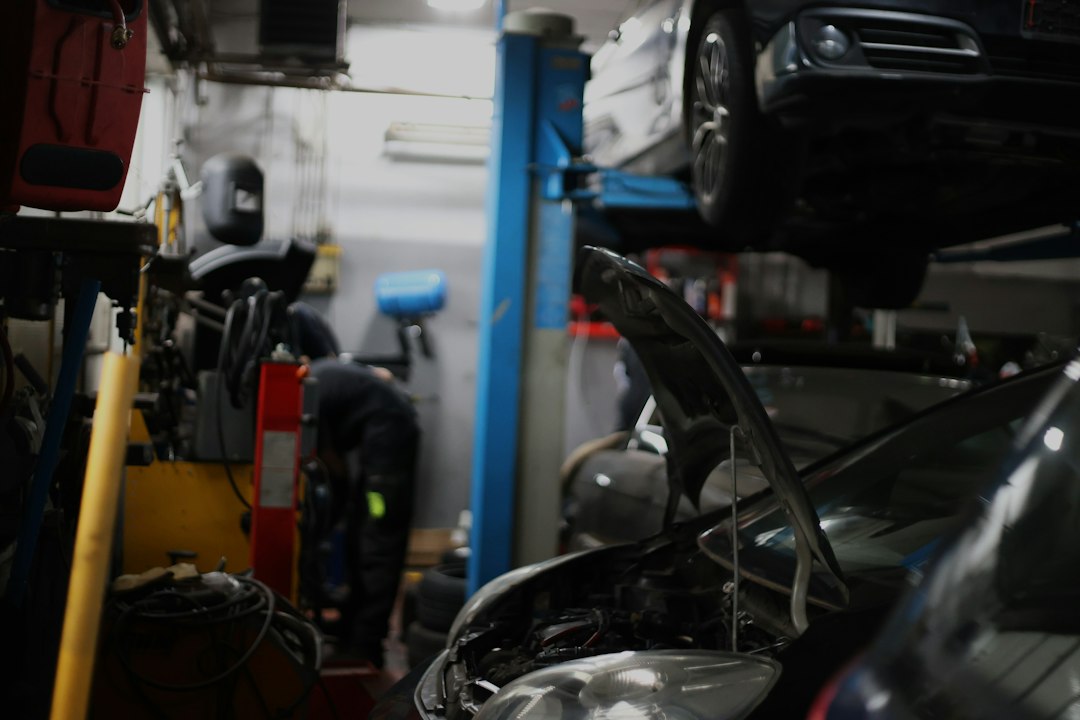
Why repair shops need automation
Repair shops run on speed. A car comes in. Someone checks it. Someone finds parts. Someone calls the customer. Someone updates the tech. Then someone forgets to update the status board. Great. Now everyone is annoyed.
This is where automated repair software helps. It puts jobs, notes, photos, parts, invoices, and messages in one place. No treasure hunt. No lost paper. No mystery coffee stain on the estimate.
Good software can help with:
- Online booking for customers.
- Digital inspections with photos and videos.
- Automated texts for approvals and updates.
- Parts tracking and vendor ordering.
- Job scheduling for techs and bays.
- Payments and invoices without desk chaos.
6 tools for streamlining repair shop operations
1. Shopmonkey
Shopmonkey is a popular choice for auto repair shops that want one clean system. It covers estimates, inspections, job boards, payments, and customer messages.
The interface feels friendly. That matters. Nobody wants software that looks like it was built during the fax machine era.
Best for: General auto repair shops that want a modern tool with strong communication features.
- Digital vehicle inspections.
- Text approvals.
- Parts and labor tracking.
- Customer history.
Small gripe: Some setup work can take time. Expect to spend a few hours building templates if you want clean and fast estimates.
2. AutoLeap
AutoLeap is built for shop owners who want data. It helps with scheduling, technician performance, inspections, estimates, and marketing.
It is strong for shops that want better numbers. Not vague feelings. Real numbers. Like average repair order, car count, and close rate.
Best for: Shops that care about growth and reporting.
- Online appointments.
- Digital inspections.
- Customer texting.
- Reports for sales and workflow.
Honestly, it feels like some repair software hides reports behind too many clicks. AutoLeap does a better job of keeping key numbers close.

3. Tekmetric
Tekmetric is a strong shop management platform. It is known for clean workflows and useful reporting.
Service advisors can build estimates, send them to customers, and track approvals. Techs can add inspection notes and images. Managers can watch production without shouting across the shop.
Best for: Busy shops that need strong job tracking and reporting.
- Digital inspections.
- Workflow board.
- Inventory tools.
- Payment processing.
Nice touch: It helps keep everyone on the same page. That alone can stop a lot of daily drama.
4. Mitchell 1 Manager SE
Mitchell 1 Manager SE is a long-time name in auto repair software. It is useful for estimating, repair orders, invoices, customer records, and shop management.
It may not feel as shiny as newer tools. Still, it is trusted by many shops. It also connects well with repair information, which is a big plus when techs need data fast.
Best for: Shops that want solid estimating and repair data support.
- Repair orders.
- Estimating tools.
- Customer records.
- Accounting links.
The catch is: the look can feel dated in some areas. If your team loves slick screens, test it first.
5. RepairDesk
RepairDesk is a great fit for phone repair, computer repair, and electronics repair shops. Not every repair shop fixes cars. Cracked screens need order too.
RepairDesk handles tickets, inventory, point of sale, customer updates, and warranty tracking. It can also help shops manage parts like screens, batteries, cables, and boards.
Best for: Cell phone, tablet, computer, and electronics repair stores.
- Ticket management.
- Inventory control.
- POS tools.
- Customer alerts.
It drives me crazy when a shop has “maybe in drawer three” as an inventory system. RepairDesk helps stop that nonsense.
6. Fullbay
Fullbay is made for heavy-duty repair shops. Think diesel trucks, fleets, trailers, and commercial vehicles.
These jobs are bigger. Parts cost more. Downtime hurts. Fullbay helps track work orders, technicians, parts, billing, and fleet customers.
Best for: Heavy-duty, diesel, fleet, and commercial repair shops.
- Heavy-duty work orders.
- Fleet customer portals.
- Parts tracking.
- Labor tracking.

How to pick the right tool
Do not start with the fanciest demo. Start with your pain.
- If calls are killing your day, pick strong texting tools.
- If estimates take too long, look for canned jobs.
- If parts go missing, focus on inventory.
- If techs wait around, use a clear job board.
- If cash flow is slow, add digital payments.
Also, ask your team. The best software is the one people will use. If it takes seven extra clicks to close a ticket, your staff will hate it by Friday.
Final thoughts
Automated repair software is not about replacing people. It is about removing the annoying stuff. The searching. The double entry. The missed update. The forgotten approval.
For auto shops, tools like Shopmonkey, AutoLeap, Tekmetric, and Mitchell 1 are strong picks. For electronics shops, RepairDesk fits well. For diesel and fleet repair, Fullbay is built for the job.
Pick the tool that fixes your biggest headache first. Your team will move faster. Customers will feel better. And your shop may finally have fewer “Where is that ticket?” moments.
