

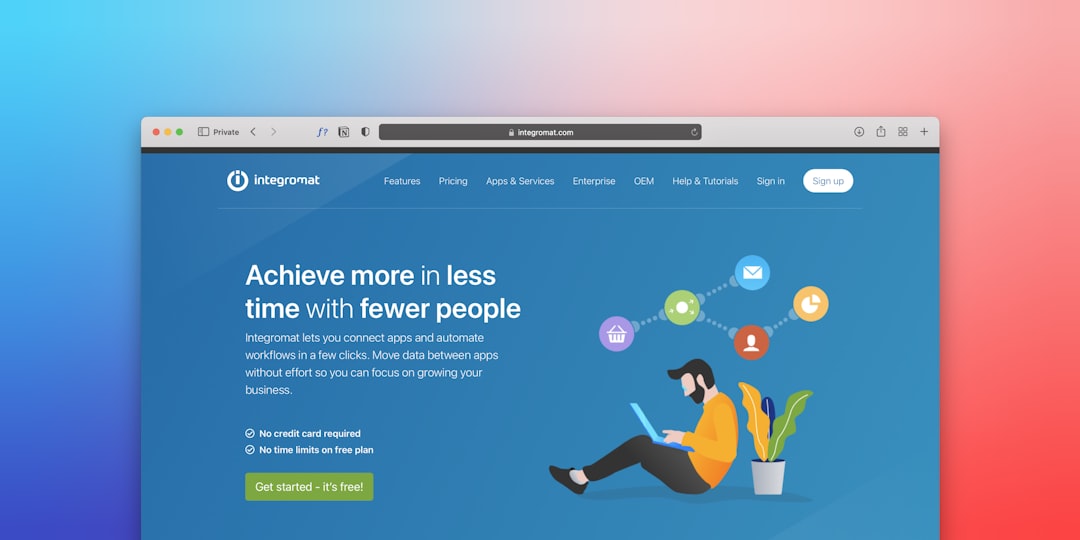
Launching a professional website no longer requires advanced coding skills, a large development team, or months of work. No-code website builder software has changed how businesses, entrepreneurs, and creators bring their ideas online. With intuitive visual editors, drag-and-drop functionality, and built-in hosting, these platforms make it possible to design, publish, and manage websites quickly—without writing a single line of code.
TLDR: No-code website builders allow individuals and businesses to launch fully functional websites quickly without technical expertise. They offer visual editors, templates, hosting, and integrated tools for marketing, ecommerce, and SEO. The right platform depends on your goals, scalability needs, and budget. When used strategically, no-code tools can significantly reduce development time and costs while maintaining professional quality.
What Is No-Code Website Builder Software?
No-code website builder software refers to platforms that enable users to create websites using visual interfaces instead of programming languages. These platforms abstract away the technical complexities of coding and server configuration, allowing users to focus on layout, content, branding, and functionality.
Instead of working with HTML, CSS, or JavaScript directly, users manipulate:
- Pre-built design blocks
- Drag-and-drop elements
- Customizable templates
- Integrated plugins and widgets
The result is a streamlined process for launching landing pages, portfolios, ecommerce stores, service sites, and even complex business platforms—often in a matter of hours or days rather than weeks.
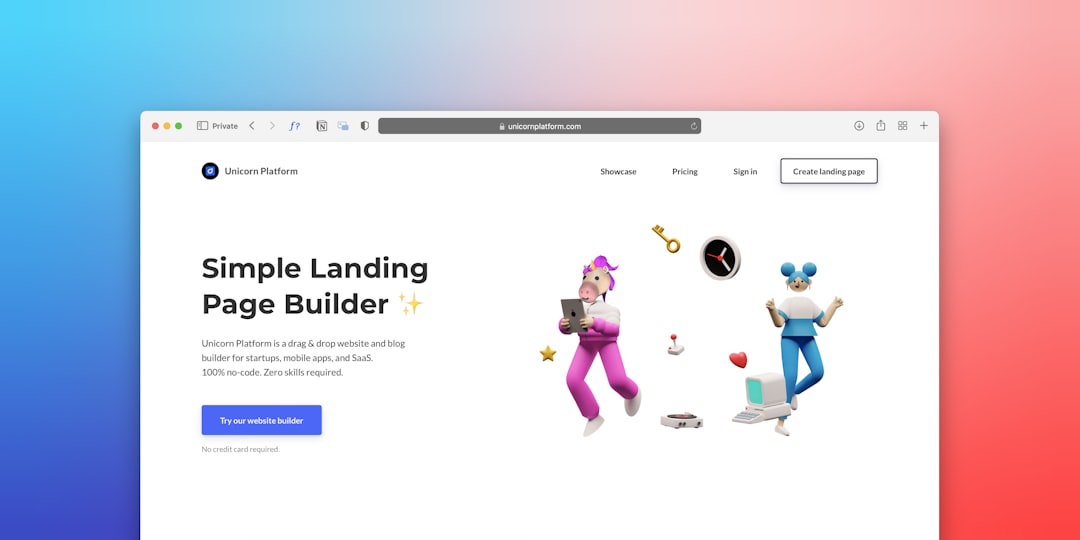
Why Businesses Choose No-Code Website Builders
The rapid adoption of no-code website builders is not a trend—it reflects fundamental changes in how organizations approach digital presence. Businesses are prioritizing speed, agility, and cost efficiency.
1. Faster Time to Market
Traditional website development can involve designers, front-end developers, back-end engineers, QA testers, and project managers. No-code tools consolidate many of these roles into a single workflow, allowing projects to move from concept to launch quickly.
2. Lower Initial Investment
Hiring a development team can be expensive. No-code software typically operates on subscription pricing models, lowering upfront capital requirements and making professional websites accessible to startups and small businesses.
3. Ease of Updates and Maintenance
Once a site is live, non-technical team members can update content, change layouts, or add pages without affecting underlying code. This reduces dependency on external developers and accelerates marketing campaigns.
4. Built-In Optimization Tools
Many platforms include:
- SEO configuration panels
- Mobile responsiveness controls
- Analytics integrations
- Security and hosting
This all-in-one approach simplifies operations and reduces technical risk.
Essential Features to Look For
Not all website builders are equal. When evaluating no-code software, consider the following critical features:
Design Flexibility
Look for advanced layout control, reusable components, and access to custom styling options. Some builders offer rigid templates, while others allow near pixel-level precision.
Scalability
Your website should grow with your business. Ensure the platform supports ecommerce, membership functionality, or integrations with third-party tools.
Performance Optimization
Page speed affects both SEO and user experience. The builder should generate optimized code and provide hosting infrastructure designed for fast loading times.
Security and Compliance
HTTPS encryption, secure hosting, backups, and privacy compliance features are mandatory for professional sites.
Custom Domain Support
A credible online presence requires a branded domain name. Ensure easy domain connection and management.
Leading No-Code Website Builders
Below are several widely used no-code website builders known for reliability and professional features.

1. Wix
Wix provides a highly intuitive drag-and-drop editor with a large template library. It is suitable for small businesses, freelancers, and personal brands.
- Extensive app marketplace
- Ecommerce functionality
- Marketing and booking integrations
2. Squarespace
Squarespace is recognized for visually compelling templates and strong content presentation. It works well for creatives, consultants, and service businesses.
- Elegant design options
- Built-in ecommerce tools
- Integrated analytics
3. Webflow
Webflow offers greater design control and scalability. It appeals to professionals who want advanced visual control without hand-coding.
- Visual CSS styling tools
- Powerful CMS capabilities
- Professional hosting infrastructure
4. Shopify
Shopify is focused on ecommerce. It is ideal for businesses planning to sell physical or digital products at scale.
- Secure payment gateways
- Inventory management
- Robust sales analytics
Comparison Chart
| Platform | Best For | Design Flexibility | Ecommerce | Scalability |
|---|---|---|---|---|
| Wix | Small businesses, freelancers | High | Yes | Moderate |
| Squarespace | Creatives, service providers | Moderate to High | Yes | Moderate |
| Webflow | Design driven brands, agencies | Very High | Yes | High |
| Shopify | Online stores | Moderate | Advanced | Very High |
How No-Code Builders Accelerate Website Launches
The key reason organizations adopt no-code platforms is speed. Here is how these tools enable rapid deployment:
Pre-Designed Templates
Templates serve as structured starting points, drastically reducing design time. They also reflect modern UX standards, ensuring professional layouts.
Integrated Hosting
Users do not need to configure servers or purchase separate hosting plans. Deployment often occurs with a single click.
Modular Components
Reusable sections such as headers, footers, testimonials, and galleries streamline build processes.
Immediate Publishing
Changes can be deployed instantly without manual file uploads or technical deployment workflows.

Best Use Cases for No-Code Website Builders
No-code software is especially effective in the following scenarios:
- Startups validating a minimum viable product
- Consultants building lead generation pages
- Small retailers entering ecommerce markets
- Event organizers launching temporary campaign sites
- Agencies prototyping client concepts
For enterprises requiring highly customized enterprise systems, a hybrid approach combining no-code tools with professional development may be more appropriate.
Limitations to Consider
While powerful, no-code website builders are not without limitations.
Customization Constraints
Some platforms restrict deep backend modification. Complex applications may require developer involvement.
Platform Dependency
Your website is tied to the provider’s infrastructure. Migrating away can sometimes require redevelopment.
Performance Variability
Excessively heavy templates or unoptimized plugins can impact load times if not managed carefully.
Understanding these trade-offs ensures informed decision-making.
Practical Steps to Launch Quickly
To maximize efficiency when using a no-code builder, follow a structured approach:
- Define clear objectives – Identify whether your goal is lead generation, ecommerce sales, or brand presence.
- Select a focused template – Choose one aligned with your industry to minimize redesign time.
- Prepare content in advance – Gather copy, images, and branding elements before building.
- Optimize core pages first – Prioritize homepage, services or products, about page, and contact sections.
- Enable SEO basics – Customize meta titles, descriptions, and URLs.
- Test responsiveness – Ensure the site functions seamlessly across devices.
Following these steps can reduce launch time dramatically while maintaining professional standards.
The Strategic Impact of No-Code Technology
No-code website builders empower teams to operate with increased independence and speed. Marketing departments can test campaigns without engineering bottlenecks. Entrepreneurs can validate ideas before committing to larger investments. Established companies can experiment with microsites and landing pages without disrupting primary development pipelines.
This shift represents more than convenience—it reflects a structural change in digital operations. Organizations now prioritize agility and iterative improvement over lengthy development cycles.
Conclusion
No-code website builder software has matured into a reliable, scalable solution for launching websites quickly and professionally. By combining visual design tools, secure hosting, integrated optimization features, and adaptable templates, these platforms drastically reduce development complexity.
While not every project fits within a no-code environment, most small to mid-sized business websites can be built and maintained effectively using these tools. With careful platform selection and structured planning, you can move from concept to fully functional website in a fraction of the traditional timeframe—without compromising credibility or performance.
For organizations seeking efficiency, control, and faster execution, no-code website builders are no longer an alternative option; they are a strategic advantage.
