


With the growing concerns around online privacy and unrestricted content access, VPNs have become essential tools, especially for streaming devices like Amazon Firestick. Among the many VPN providers available, Proton VPN stands out for its strong privacy policies and reliable service. But many users question whether it’s possible—and practical—to use Proton VPN on a Firestick device.
TLDR (Too Long, Didn’t Read)
Yes, Proton VPN works on Amazon Firestick, but there are a few caveats. It doesn’t have a native app on the Amazon Appstore, so users must either sideload the app or install it on a compatible router. While it may not be the most straightforward installation, it provides secure and private streaming once properly configured. For tech-savvy users, it’s a great privacy-first VPN option for Firestick.
Why Use a VPN on Firestick?
Using a VPN on Firestick offers several advantages, including:
- Bypassing geo-restrictions on streaming platforms like Netflix, Hulu, and BBC iPlayer.
- Protecting your online activity from prying eyes, especially on public Wi-Fi networks.
- Preventing throttling from ISPs, which may slow down your streaming speeds.
Given these benefits, many users seek reliable VPN solutions compatible with their Firestick devices. Proton VPN comes up frequently due to its reputation for privacy and a free plan that doesn’t skimp on speed or security.
Is Proton VPN Compatible with Firestick?
Proton VPN does not have a native app available directly from the Amazon Appstore. This means it is not officially supported on Firestick. However, this does not make it unusable. Users have two main options to still use Proton VPN with Firestick:
- Sideload Proton VPN using the APK file.
- Install Proton VPN on a router and connect Firestick through that secured network.
Both methods require intermediate technical knowledge and can take a bit of time to configure. Nonetheless, they offer secure Firestick VPN access once complete.
How to Sideload Proton VPN on Firestick
To sideload Proton VPN, you’ll need a few tools readily available from the Firestick interface—namely, the Downloader app. Here’s a brief walkthrough:
Steps to Install Proton VPN APK
- Go to your Firestick Settings > My Fire TV > Developer Options.
- Enable Apps from Unknown Sources.
- Install the Downloader app from the Amazon Appstore.
- Open Downloader and enter the direct URL to the Proton VPN APK file (from Proton VPN’s official site).
- After downloading, install the app and log in with your credentials.
Note: Navigating within sideloaded apps may require a wireless mouse or a third-party remote tool since the interface may not be optimized for Firestick’s environment.
Using Proton VPN via Router Configuration
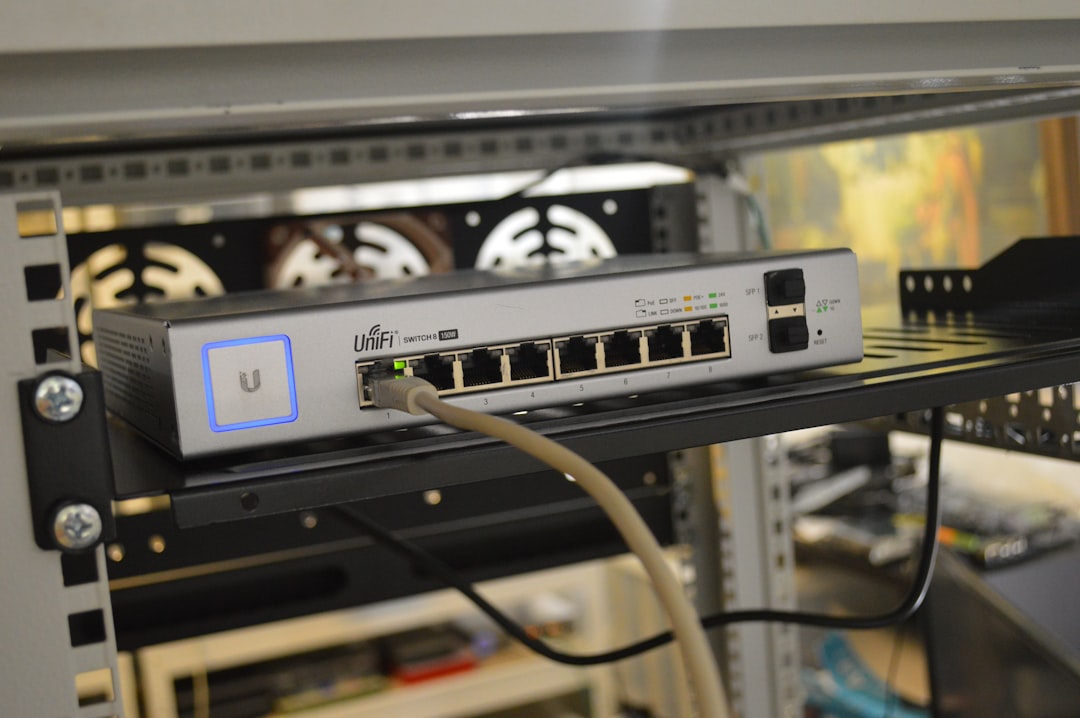
If sideloading isn’t appealing or feasible, setting up Proton VPN on a Wi-Fi router is another approach. Once connected to the router, any device including the Firestick will automatically use Proton VPN’s secure network.
Advantages of Router Installation
- Applies to all devices connected to the network, not just Firestick.
- No need for separate app installation on the Firestick.
- Better compatibility with streaming platforms lacking VPN app support.
This method requires that the router supports VPN configurations, specifically OpenVPN protocols used by Proton VPN. Proton VPN’s website offers detailed setup guides for various router brands like Asus, Netgear, and DD-WRT compatible devices.
Streaming Performance with Proton VPN
Once set up, Proton VPN performs reasonably well for streaming. Users can expect:
- Fast connection speeds on paid plans, even when selecting distant servers.
- Access to geo-blocked content after connecting to the correct country server.
- No data caps or limits on paid plans, making it ideal for binge-watching.
The free plan, while secure, has limited server access and may not reliably unblock all streaming services. Paid users have access to the Secure Core and streaming-specific servers with faster speeds and more varied IP addresses.
Limitations to Consider
While Proton VPN provides comprehensive security, it does have some drawbacks on Firestick:
- No native Amazon app—requires workarounds like sideloading or router setup.
- User interface constraints—APK versions may not work seamlessly with the Firestick remote or screen resolution.
- Free plan streaming limitations—not all content or regions are accessible.
Users seeking a plug-and-play VPN solution for Firestick might find other providers, such as NordVPN or ExpressVPN, more user-friendly due to native apps on the Amazon Appstore.
Proton VPN vs Other Firestick-Compatible VPNs
| Feature | Proton VPN | ExpressVPN | NordVPN |
|---|---|---|---|
| Native Firestick App | No | Yes | Yes |
| Streaming Optimization | Moderate (Paid Plan Recommended) | High | High |
| Free Plan Availability | Yes | No | No |
| Privacy Policies | Excellent, based in Switzerland | Very Good | Very Good |
Conclusion
For privacy-conscious users and tech enthusiasts, Proton VPN does work with Firestick—just not directly out of the box. While it requires extra steps via sideloading or router configuration, the security and performance benefits can be worthwhile.
If ease of setup is your priority, another VPN with native Firestick support may be a better fit. However, if privacy, strong encryption, and beginner-friendly pricing are more important, Proton VPN remains a quality contender.
Frequently Asked Questions (FAQ)
- Q: Can I download Proton VPN directly from the Amazon Appstore?
A: No, it is not available in the Amazon Appstore. You will need to sideload it using an APK or configure it on your router. - Q: Is the free version of Proton VPN good enough for streaming on Firestick?
A: It can be used, but performance and server access are limited. Paid users experience much better streaming results. - Q: Do I need any extra hardware to install Proton VPN on my router?
A: No extra hardware is required, but your router must support VPN protocols such as OpenVPN, and some setup may be required. - Q: Is sideloading Proton VPN on Firestick safe?
A: Yes, if you’re installing the APK from the official Proton VPN website. Always avoid third-party sources. - Q: Will Proton VPN slow down my streaming speed?
A: Some speed loss is normal with any VPN, but Proton VPN’s paid plans offer high-speed servers intended for streaming, minimizing performance issues.
