

Memories are precious. They deserve more than staying hidden in your phone gallery. Digital scrapbooking helps you turn everyday moments into beautiful stories. It is creative. It is fun. And best of all, it is easy to start.
TLDR: Digital scrapbooking lets you turn photos and memories into beautiful, creative designs using simple online tools. Many platforms offer drag and drop features, templates, and fun stickers. Some are perfect for beginners, while others give advanced design control. With the right tools, you can preserve memories in a way that feels personal and artistic.
In the past, scrapbooking meant paper, glue, and glitter everywhere. Now, you just need a device and your imagination. Let’s explore the best digital scrapbooking tools and how they can help you preserve memories creatively.
Why Choose Digital Scrapbooking?
Before we dive into tools, let’s talk about why digital scrapbooking is amazing.
- No mess. No paper scraps on the table.
- Unlimited supplies. Endless stickers and backgrounds.
- Easy editing. Undo mistakes in one click.
- Simple sharing. Send albums to family in seconds.
- Safe storage. Backup your memories in the cloud.
You can still print your scrapbook if you want. But now you have more freedom and flexibility.
1. Canva
Canva is one of the most beginner-friendly tools out there. It works in your browser and has an app too.
It offers:
- Drag and drop design
- Ready-made scrapbook templates
- Tons of fonts and stickers
- Photo editing tools
- Collaboration with friends and family
You can search for “scrapbook” in the templates section and start right away. Just replace the sample photos with yours.
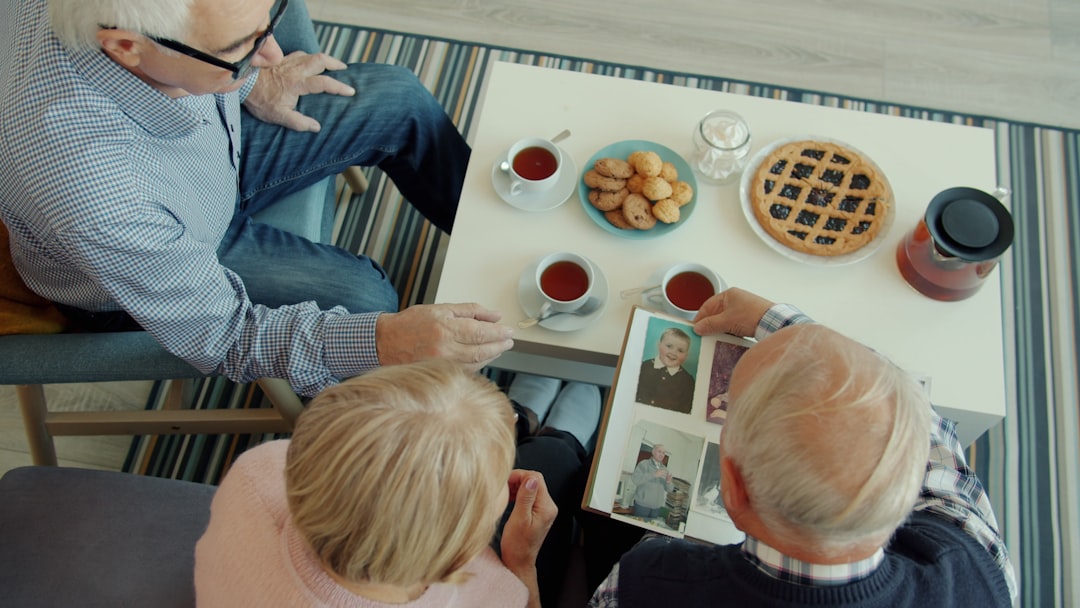
Why people love it: It is simple. You do not need design experience. Everything feels intuitive.
Best for: Beginners and quick projects.
2. Adobe Express
Adobe Express gives you a little more creative control. But it still keeps things simple.
You get:
- Customizable templates
- Text animation options
- Creative filters
- Design assets like icons and shapes
This tool is great if you want your scrapbook to feel modern and stylish. It works well for digital albums you plan to share on social media.
Best for: Creative storytellers who want sleek designs.
3. MyMemories Suite
This software is made especially for digital scrapbooking. It is not just a design tool. It is dedicated to memory keeping.
Features include:
- Scrapbook-specific templates
- Digital paper packs
- Embellishments and decorations
- Photo editing tools
- Printing options for photo books
You can buy themed kits. For example, wedding kits or baby memory kits. That makes designing faster and more themed.
Best for: People serious about long-term scrapbooking projects.
4. Mixbook
Mixbook combines scrapbooking and photo book creation. It is perfect if you want a physical album delivered to your home.
It allows you to:
- Start with scrapbook templates
- Add text and decorations
- Rearrange layouts easily
- Order professional quality prints
This is ideal for birthdays, anniversaries, and travel memories.
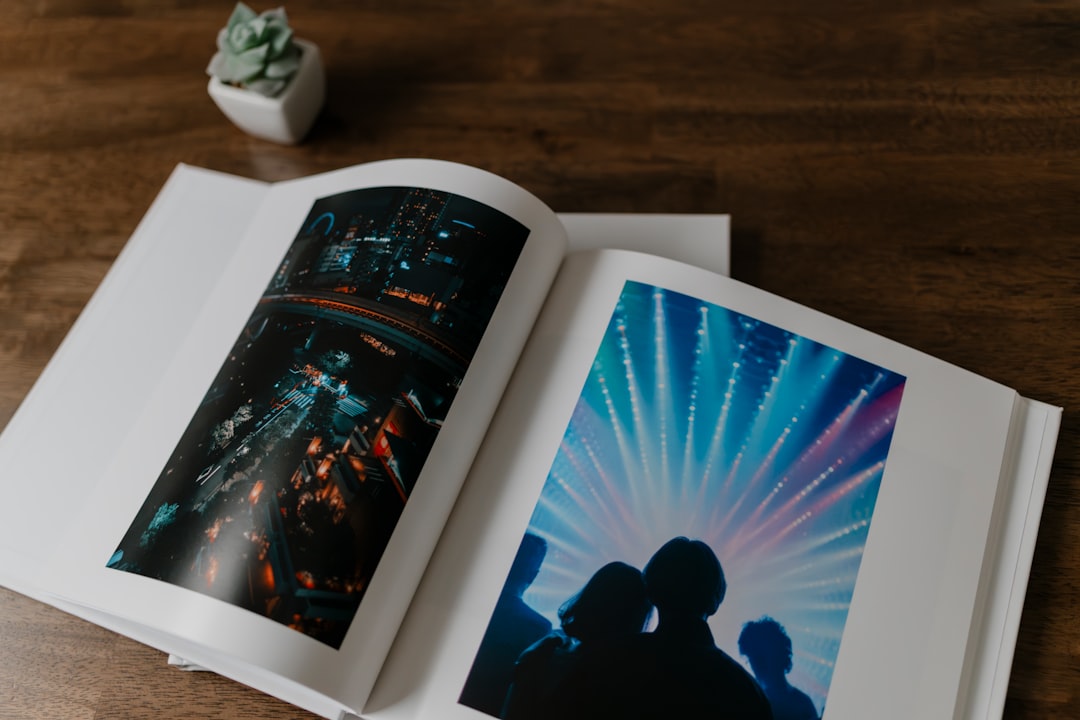
Best for: Creating printed memory books.
5. Project Life Apps
If you love documenting everyday life, Project Life is a great option. It focuses on pocket-style scrapbooking.
It works well on tablets and phones. You can create pages quickly by:
- Dropping photos into grid layouts
- Adding simple captions
- Using themed card packs
This method is fast. It removes the pressure of complex designs.
Best for: Busy people who want simple memory keeping.
Comparison Chart: Which Tool Is Right for You?
| Tool | Ease of Use | Best Feature | Printing Options | Best For |
|---|---|---|---|---|
| Canva | Very Easy | Drag and drop templates | Yes | Beginners |
| Adobe Express | Easy | Stylish design elements | Limited | Modern digital albums |
| MyMemories Suite | Moderate | Scrapbook specific kits | Yes | Detailed scrapbookers |
| Mixbook | Easy | Professional photo books | Yes, premium | Printed gifts |
| Project Life | Very Easy | Pocket style layouts | Yes | Quick daily memory keeping |
Creative Features to Look For
Not all scrapbooking tools are the same. Here are features that truly make a difference.
1. Templates
Templates save time. They give you a starting point. You can always adjust them later.
2. Digital Stickers and Embellishments
Stickers add personality. Look for themed packs such as:
- Weddings
- Babies
- Travel
- Holidays
- Graduation
3. Photo Editing Tools
Simple adjustments matter. Brightness. Contrast. Cropping. Filters. These make your photos pop.
4. Custom Fonts
Text tells the story. Choose fonts that match the mood. Playful for birthdays. Elegant for weddings.
5. Cloud Storage
You do not want to lose your memories. Tools with auto-save and cloud storage are safer.
How to Make Your Scrapbook More Creative
You do not have to be a designer. Just follow simple tips.
Tell a Story
Do not just place photos randomly. Arrange them in order. Add captions. Write short memories or funny quotes.
Use Color Themes
Pick two or three main colors. This keeps your page clean and beautiful.
Mix Close Ups and Wide Shots
Combine detailed photos with bigger scenes. It adds depth to your layout.
Add Personal Notes
Include dates. Locations. Inside jokes. Future you will appreciate it.
Digital vs Traditional Scrapbooking
Both styles are wonderful. But they are different.
Traditional Scrapbooking:
- Hands-on crafting
- Physical materials
- Unique textures
Digital Scrapbooking:
- Faster process
- Easier editing
- Unlimited design elements
- Simple sharing and backups
If you love crafting, you can combine both. Design digitally. Then print and decorate by hand.
Preserving Memories for Generations
Digital scrapbooking is more than decoration. It is storytelling. It captures emotions. It freezes moments in time.
You can create:
- Baby milestone books
- Wedding albums
- Travel journals
- Year in review albums
- Family history books
Imagine your children or grandchildren flipping through these pages one day. They will not just see photos. They will understand the story behind them.
Getting Started Today
You do not need expensive software. Start with a free tool. Upload a few favorite photos. Pick a template. Add a title. Insert a quote.
Keep it simple.
The goal is not perfection. The goal is memory keeping.
Set aside one hour this week. Create one page. Just one. Over time, those pages turn into a beautiful collection.
Final Thoughts
Memories fade. Photos get lost. Phones break. But intentional scrapbooks last.
Digital scrapbooking tools make it easier than ever. They remove the stress. They add creativity. And they help you turn everyday life into something meaningful.
You do not need to be an artist. You just need your story.
So open a tool. Upload your favorite photo. And start preserving your memories creatively today.
