

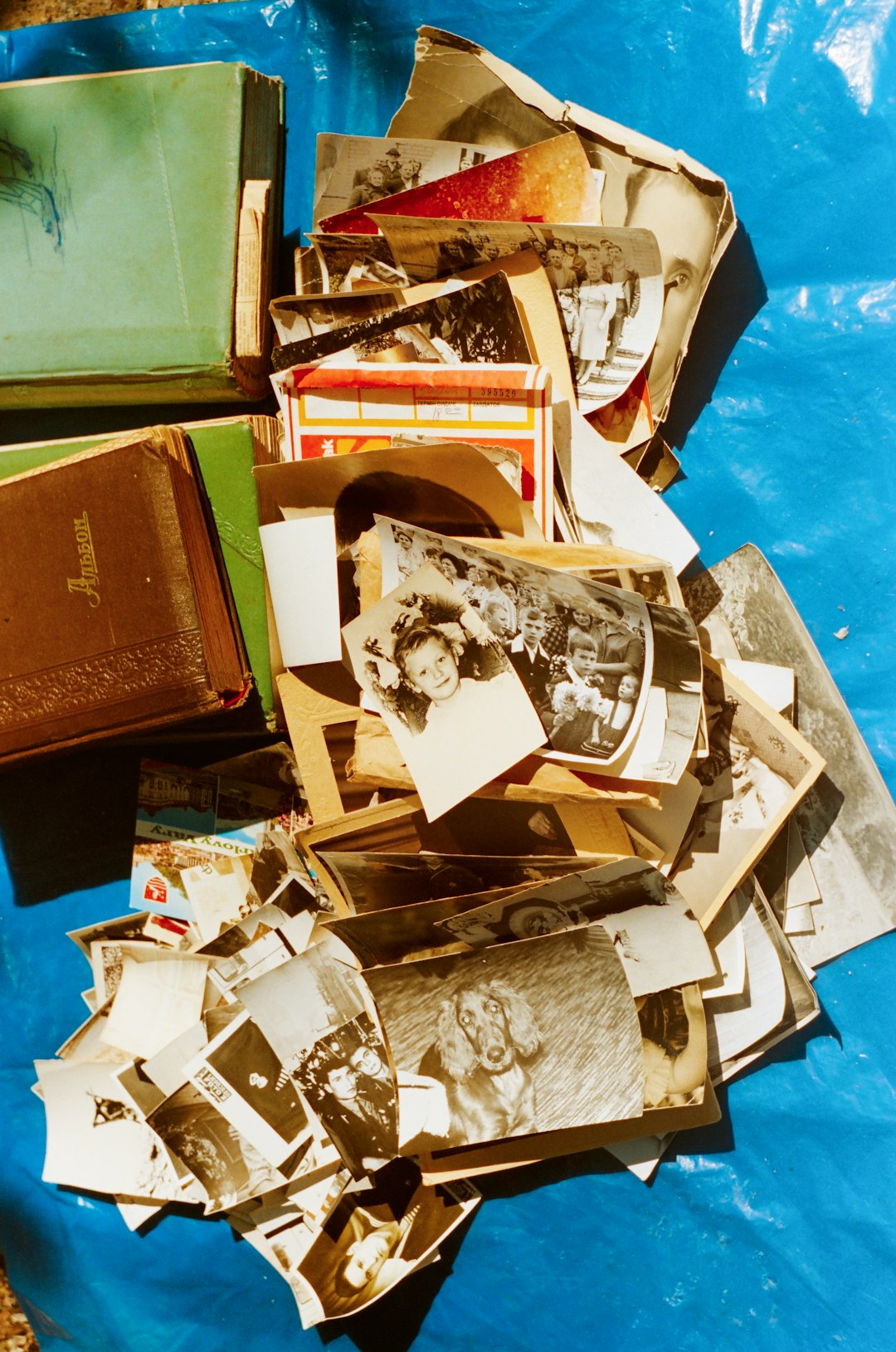
Preserving family memories, cherished snapshots, and historical photos has never been more accessible than in the digital age. With the right scanner, these once-fragile pieces of history can be digitized, enhanced, and stored securely for future generations. For photography enthusiasts, historians, and families alike, choosing the best photo scanner is essential for maintaining image quality, color accuracy, and speed.
TLDR (Too long, didn’t read):
High-quality photo scanners are crucial for archiving images with clarity and accuracy. The Epson Perfection V600 and Canon CanoScan LiDE 400 are top choices, offering resolution, speed, and versatility. Choosing between flatbed, sheet-fed, and dedicated film scanners depends on the user’s specific needs and photo types. With the right scanner, preserving lifelong memories and priceless images becomes effortless and reliable.
Why You Need a Photo Scanner
Many people have albums or shoeboxes full of old photographs and negatives slowly deteriorating with time. A photo scanner not only helps preserve these memories but also makes sharing, editing, and organizing them much easier. Unlike traditional document scanners, photo scanners are specifically designed to handle photographs with care, providing higher resolution and better color depth.
Whether scanning vintage family pictures or digitizing slides and film, dedicated photo scanners offer:
- High resolution for clearer details
- True color reproduction with accurate tones
- Flatbed features to prevent photo damage
- Software tools for image restoration
Types of Photo Scanners
Before exploring the top products, it’s important to understand the types of scanners available for handling photographs:
- Flatbed Scanners: Ideal for photos, documents, and artwork. Flatbeds provide high resolution and gentle scanning for delicate prints.
- Sheet-fed Scanners: Great for high-speed scanning of stacks of photos but can be rougher on originals.
- Dedicated Film and Slide Scanners: Specifically designed to digitize negatives, 35mm slides, and other film formats.
Top Scanners for Photograph Archiving in 2024
1. Epson Perfection V600
The Epson Perfection V600 is a favorite among photographers and archivers. Designed for prints, film, and slides, this scanner features 6400 x 9600 dpi resolution and Digital ICE technology to remove dust and scratches from scanned images. Its built-in transparency unit makes it versatile enough for most hobbyists and semi-professionals.
Pros:
- High resolution scanning
- Restoration tools for damaged images
- Supports film and slides
Cons:
- Bulky footprint
- Setup and software can be time-consuming
2. Canon CanoScan LiDE 400
A budget-friendly yet quality option, the Canon CanoScan LiDE 400 offers 4800 x 4800 dpi resolution, auto document correction, and fast scanning speeds. Its sleek design is perfect for casual users who want great results without complicated setups.
Pros:
- Affordable with excellent results
- USB-powered, compact footprint
- Fast and silent operation
Cons:
- Not suitable for film or negatives
- Limited editing tools included
3. Plustek Photo Scanner ePhoto Z300
This sheet-fed photo scanner is purpose-built for speed. With the Plustek ePhoto Z300, users can scan a 4×6 photo in just 2 seconds. While not ideal for fragile or very old prints, it’s perfect for batch scanning large photo collections.
Pros:
- Ultra-fast scanning
- Works well with modern photo paper
- Compact and easy to use
Cons:
- Not designed for film or slides
- Can be harsh on delicate originals
4. Epson FastFoto FF-680W
For users with thousands of photographs to scan, the Epson FastFoto FF-680W is a game-changer. It can batch scan 36 photos at once and also allows for automatic color correction. Despite its premium price, it’s the fastest and most efficient tool for large-scale projects.
Pros:
- Unmatched speed for photo scanning
- Wireless capabilities
- Extensive photo editing tools included
Cons:
- Expensive compared to others
- Sheet-fed — not ideal for fragile or curled photos
5. Kodak Slide N Scan
If archiving slides or old negatives is your goal, the Kodak Slide N Scan is a reliable choice. It offers a 14MP sensor (with interpolation up to 22MP), is standalone, and does not require a computer to operate. Compact and portable, it’s great for scanning on the go.
Pros:
- No PC required
- Intuitive interface and display
- Supports various film types
Cons:
- Image quality not as sharp as flatbed scanners
- No photo print scanning support
Tips Before Buying a Photo Scanner
Selecting the best scanner depends on budget, photo types, and whether you need film compatibility. Before buying, consider:
- Resolution (DPI): The higher the better for older or detailed images.
- Media Types Supported: Some scanners work only with prints, others handle slides and film.
- Software Included: Restoration, cropping, and batch-saving tools add great value.
- Size and Portability: Smaller devices are convenient but may lack scanning depth.
Enhancing and Storing Your Scanned Photos
Once scanned, your images can benefit greatly from post-processing. Tools like Adobe Lightroom, Photoshop, or even free software like GIMP can enhance colors, remove red-eye, and fix faded areas. Save images in high-quality formats like TIFF or PNG for archiving, and JPEG for sharing online.
For storage, use external hard drives, cloud services, or even digital photo frames to bring new life to old memories.
Frequently Asked Questions (FAQ)
-
Q: What’s the difference between DPI and resolution?
A: DPI (dots per inch) measures the scanner’s ability to capture details. Higher DPI means more image clarity, especially when enlarging photos. -
Q: Can I scan old, faded photographs?
A: Yes, and many modern scanners include software that automatically restores color and contrast in aged prints. -
Q: Should I scan in JPEG or TIFF?
A: TIFF files offer better quality and lossless storage ideal for archiving, while JPEGs are useful for sharing or quick viewing. -
Q: Do all scanners work with Mac and Windows?
A: Most modern scanners are compatible with both operating systems, but it’s good to verify model-specific compatibility before purchasing. -
Q: Is it better to buy or rent a scanner?
A: If you have a large collection or plan to scan over time, buying is more economical. For small, one-time projects, renting or using service bureaus may suffice.
Pres
