


Google Home is the best all-around TV remote app for most people, while SmartThings is the smarter pick for Samsung TV owners, and OnSwitch is best treated as a scene control app, not a full TV remote. Google Home can control compatible TVs, speakers, displays, and streaming devices from one app [source: Google].
TLDR: If your TV runs Google TV, Chromecast, or Android TV, start with Google Home. If you own a recent Samsung TV, SmartThings will usually feel faster and more complete. OnSwitch works better for “movie night” scenes, such as dimming two smart bulbs and powering a TV plug in one tap, but it will not replace every button on a physical remote. In a mixed living room with one TV, one soundbar, and three smart lights, Google Home or SmartThings can cut daily control from 3 separate remotes to 1 phone app.
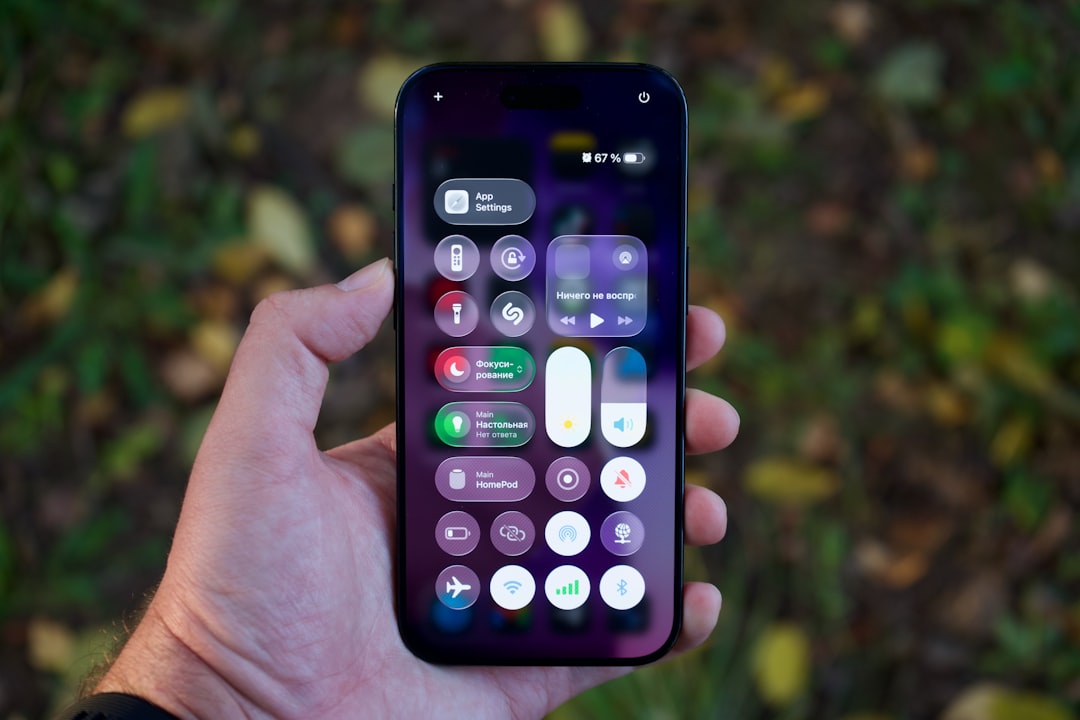
Quick comparison
- Best for most users: Google Home
- Best for Samsung TVs: SmartThings
- Best for lighting scenes around TV time: OnSwitch
- Best for full remote replacement: SmartThings, if the TV is Samsung
- Best for Chromecast users: Google Home
Google Home: the safe first choice
Google Home is the app I would try first if your setup includes Chromecast, Google TV, Nest speakers, or Android TV. It puts media devices, lights, speakers, and routines in one place. That alone makes it useful.
The best part is how natural it feels with voice control. You can say “Hey Google, turn on the TV” or “play YouTube in the living room”. If your devices are set up well, it feels almost boring. That is a compliment.
It also handles simple remote tasks. You can open apps, cast video, control volume on supported devices, and start playback. For homes built around Google services, it is easy to recommend.
The annoying part? Setup can be fussy. A TV might appear under one room, then a speaker under another. Expect to waste time naming rooms properly. If you skip that step, voice commands get messy fast.
SmartThings: the king for Samsung TVs
SmartThings is the stronger app if you own a Samsung TV. It can act like a real remote, with power, volume, channel controls, input switching, and app shortcuts on many models. That matters. A phone remote should not make you miss the old plastic one.
Samsung TV owners also get better device status. You can often see whether the TV is on, which room it is assigned to, and which connected devices are part of the same setup. Add Samsung appliances, sensors, or lights, and SmartThings starts to feel like a full home control center.
It drives me crazy that some features depend on the TV model and region. A newer Samsung set may work beautifully. An older one may only give you basic controls. That gap can feel random.
Still, for Samsung homes, SmartThings is the most useful of the three. It is not just a remote. It is a control panel.
OnSwitch: great mood control, weak remote control
OnSwitch is different. It is known more for smart lighting scenes than TV control. That may sound like a mismatch, but it has a place in a TV setup.
Think of it as the app for atmosphere. Tap one scene and your living room lights dim. Another scene can brighten the room during sports. A third can create a soft late-night glow so the screen does not blast your eyes in a dark room.
OnSwitch works best with lighting systems such as Philips Hue and LIFX. If your idea of “managing the TV remote” includes setting the room for movies, it is useful. If you want number buttons, input switching, or streaming app control, this is not the tool.
Honestly, it feels like the wrong app if your main problem is losing the remote. It is the right app if your main problem is that your living room still feels like a dentist’s office during movie night.
Which app should you choose?
- Choose Google Home if you use Chromecast, Google TV, Nest speakers, YouTube, or Google Assistant.
- Choose SmartThings if your TV is Samsung and you want controls that feel close to a normal remote.
- Choose OnSwitch if you care about lighting scenes more than channel buttons.
- Use two apps if needed. Smart homes are rarely neat. Google Home can run the TV, while OnSwitch handles the room lighting.
Best use case examples
Google Home example: You walk in, say “turn on the living room TV”, then cast Netflix or YouTube from your phone. This is ideal for people who stream most content and do not watch much live TV.
SmartThings example: You have a Samsung TV mounted on the wall and the physical remote keeps getting lost in the couch. Open SmartThings, tap the TV, adjust volume, switch inputs, and launch apps. Simple.
OnSwitch example: You press “Movie Night” and the lamps drop to 20% brightness while bias lighting turns blue. Then you use a separate remote app for the TV. Not perfect, but it feels polished.

Final verdict
Google Home is the best starting point for most homes because it supports many devices and works well with voice control. SmartThings wins for Samsung TV owners because it offers more direct remote-style control. OnSwitch is not a true TV remote, but it can make TV time feel better.
If you want fewer remotes on the table, pick based on your TV brand first. Then add scene apps only if they solve a real problem. A clean setup should save taps, not add more of them.
