

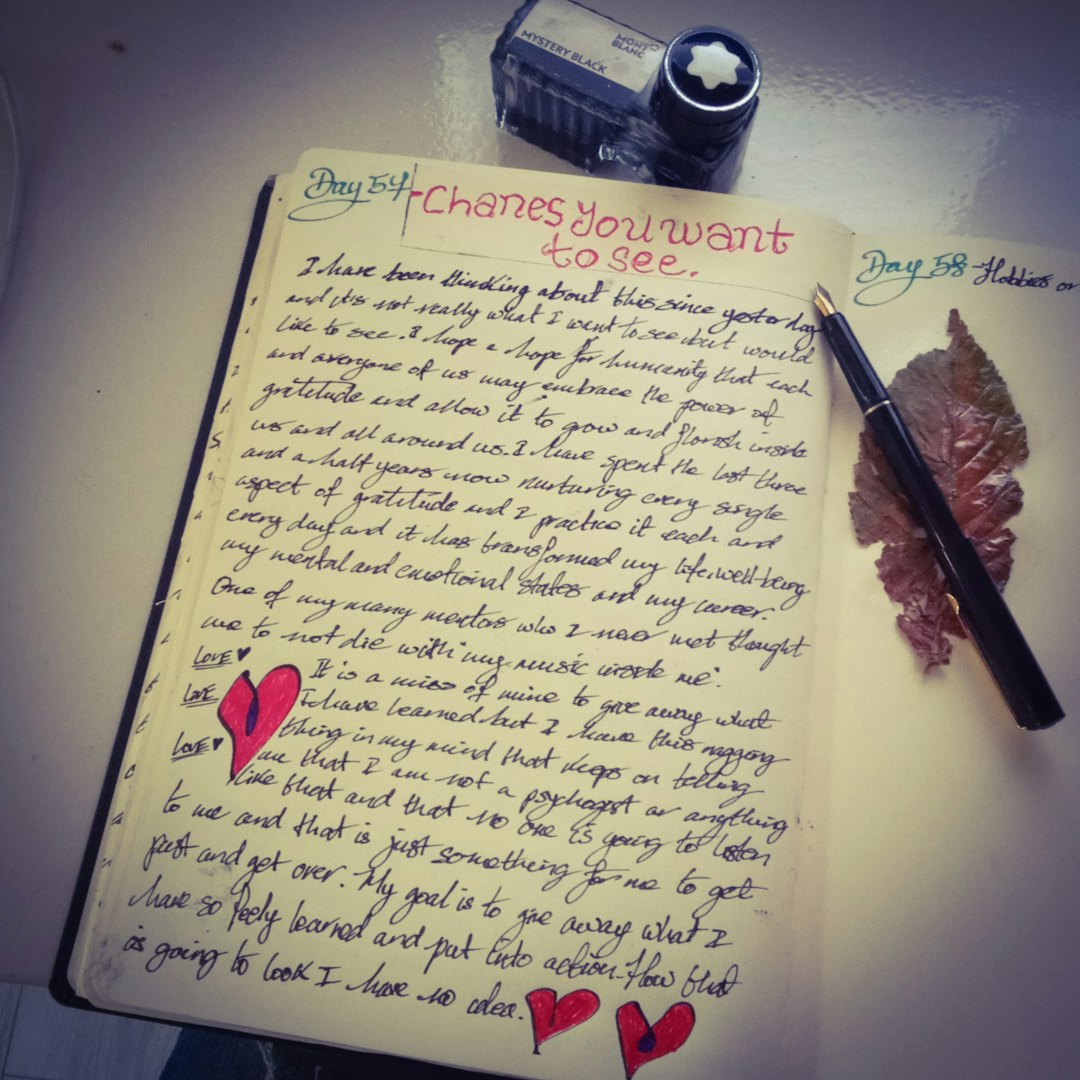
When you’re a poet, every single word matters. Every pause. Every shimmer of emotion. But in a world full of distractions—notifications, tabs, menus, fonts—how do you protect the quiet space your poetry needs? That’s where minimalist writing apps come in. These tools are like a blank page and a pen, but digital.
TL;DR
If you’re looking for clean, clutter-free apps to help focus your poetic flow, you’re in the right place. This article covers four of the best minimalist writing tools made to help poets dive deep into language. They’re super simple, distraction-free, and help you stay in the zone. Perfect for when you need more muse and less menu.
Why Minimalism Matters for Poets
Writing poetry is about rhythm and flow. It’s about silence as much as words. Most text editing software comes with endless options—fonts, styles, formatting, colors—and while great for essays or business docs, they can be a big distraction for poets.
Minimalist apps strip all that away. No toolbars. No pop-ups. Just you, your thoughts, and a blank space. It’s the closest thing to writing on paper, but smarter.
Here Are the Four Best Minimalist Writing Apps Poets Love
1. iA Writer
Platform: Mac, Windows, iOS, Android
Why poets love it: iA Writer is a sleek, no-frills space for writing. It uses plain text and Markdown, which means you can add simple formatting without ever leaving the keyboard.
What really sets this app apart is the Focus Mode. This feature fades out everything except the sentence or paragraph you’re working on. It helps you stay present, line by line.
- Simple, elegant interface
- Focus Mode encourages deep concentration
- Syncs across devices
- No distractions whatsoever

Best for: Poets who write in short bursts and care about rhythm. This app guides your focus where it matters most—on language.
2. OmmWriter
Platform: Mac, Windows, iPad
OmmWriter is more than a writing app—it’s a writing experience. When you open it, everything else disappears. The background turns into a soothing image, your keyboard makes calming sounds, and soft music plays in the background.
It’s like writing poetry in a dream.
- Zen-like environment
- Gentle sounds and music
- Fullscreen mode blocks all distractions
- Great for unlocking creativity
If you find inspiration in sensory experiences, OmmWriter may become your new secret weapon. It’s not for editing or formatting—it’s all about feeling.

Best for: Poets who want to disappear into the act of writing. Great for first drafts or writing when you’re in your feelings.
3. FocusWriter
Platform: Windows, Mac, Linux
This app is old-school but lovely. FocusWriter is completely customizable. You can change backgrounds, fonts, and even set timers or word count goals. But don’t worry—it still keeps things clean and focused.
When you launch the app, all you see is your writing and a gentle background image. Menus only appear when you touch the edges of the screen.
- Full-screen distraction-free mode
- Daily goals and stats
- Themes to match your mood
- Perfect balance between minimal and functional
Best for: Poets who like to write for long periods and want a little more control without sacrificing minimalism.
4. Bear
Platform: Mac, iOS
Bear is a beautiful, lightweight note-taking app. At first glance, it might seem more like a journal, but don’t be fooled—it’s perfect for poetry. It uses a clean interface and supports Markdown, so you can format just a little if you want.
One of its best features is its simplicity. You can organize poems with tags like #haiku or #draft, and come back to them anytime.
- Beautiful design and typography
- Organizational tags for every poem
- Quick search and sync
- Perfect for drafting and collecting poems
If you like to write poetry on your phone while waiting in line or sitting in a park, Bear is ideal. It’s like having a poetry journal that fits in your back pocket.
Best for: Poets on the go and anyone who loves organizing their work neatly.
How to Choose the Right App for You
Still not sure? That’s okay. Here’s a quick way to figure it out:
- Need total immersion? Try OmmWriter.
- Want a classic writing zone? Go with iA Writer.
- Prefer total control with some flair? Give FocusWriter a shot.
- Like things neat and portable? Choose Bear.
Remember: the best writing tool is the one that helps you write. Not the fanciest, not the most features—just the one that makes putting words on the page feel effortless.
Final Thoughts
Minimalist writing apps aren’t just trendy. They’re tools that create a safe space for creativity. When you’re not fiddling with toolbars or picking fonts, you get something priceless: flow.
For poets, flow is everything. It’s when time disappears. When words bleed onto the page like watercolors. These four apps help protect that magical space and let your words lead the way.
So try one. Or all four. Tune out the world and tune into your own voice. Your next poem is waiting.
