

We all fill out online forms almost every day. Sign-ups. Checkouts. Job applications. Shipping details. It never seems to end. The good news? There’s a smarter way to do it. Auto form fill software can save you time, reduce mistakes, and make your online life a lot easier.
TLDR: Auto form fill software automatically enters your saved information into online forms. It saves time, reduces typing, and prevents errors. It works for passwords, addresses, payments, and more. Once you start using it, you’ll wonder how you ever lived without it.
Let’s break it down in a simple way. No tech talk. Just clear and fun facts.
What Is Auto Form Fill Software?
Auto form fill software is a tool that remembers your information. When you visit a website and see a form, it fills in the details for you automatically.
That means:
- Your name
- Your email address
- Your home address
- Your phone number
- Your credit card details
- Your passwords
All entered in seconds. No typing needed.
It’s like having a fast digital assistant who never gets tired.
Why Filling Out Forms Feels So Annoying
Let’s be honest. Filling out forms is boring.
You type the same information again and again. Sometimes you mistype your email. Sometimes you forget a digit in your zip code. Then you get an error message. More time wasted.
Even worse on mobile. Tiny keyboard. Autocorrect mistakes. Frustration builds up.
This is where auto form fill becomes a lifesaver.
Image not found in postmetaHow Auto Form Fill Software Works
It’s actually very simple.
First, you enter your details once. The software saves them securely. Then, whenever you see a form online, it recognizes the fields.
For example:
- It sees a field labeled “First Name”
- It inserts your first name
- It sees “Email Address”
- It inserts your saved email
All in a blink.
Some tools fill everything automatically. Others let you click once to fill the entire form. Either way, it’s fast.
The Biggest Benefits
Let’s look at why so many people use it.
1. It Saves a Lot of Time
Think about how many online forms you fill each week.
Shopping websites. Delivery apps. Newsletter sign-ups. Booking appointments. Government forms.
Now imagine cutting that time by 80%.
That adds up fast.
2. Fewer Typing Errors
Humans make mistakes. Especially when rushing.
Auto fill uses the exact same saved details every time. That means:
- No misspelled emails
- No wrong phone numbers
- No incorrect billing addresses
Less frustration. Fewer corrections.
3. Stronger Password Habits
Most auto form tools include password management.
They can:
- Generate strong passwords
- Store them securely
- Fill them automatically when you log in
No more using “123456” because it’s easy to remember.
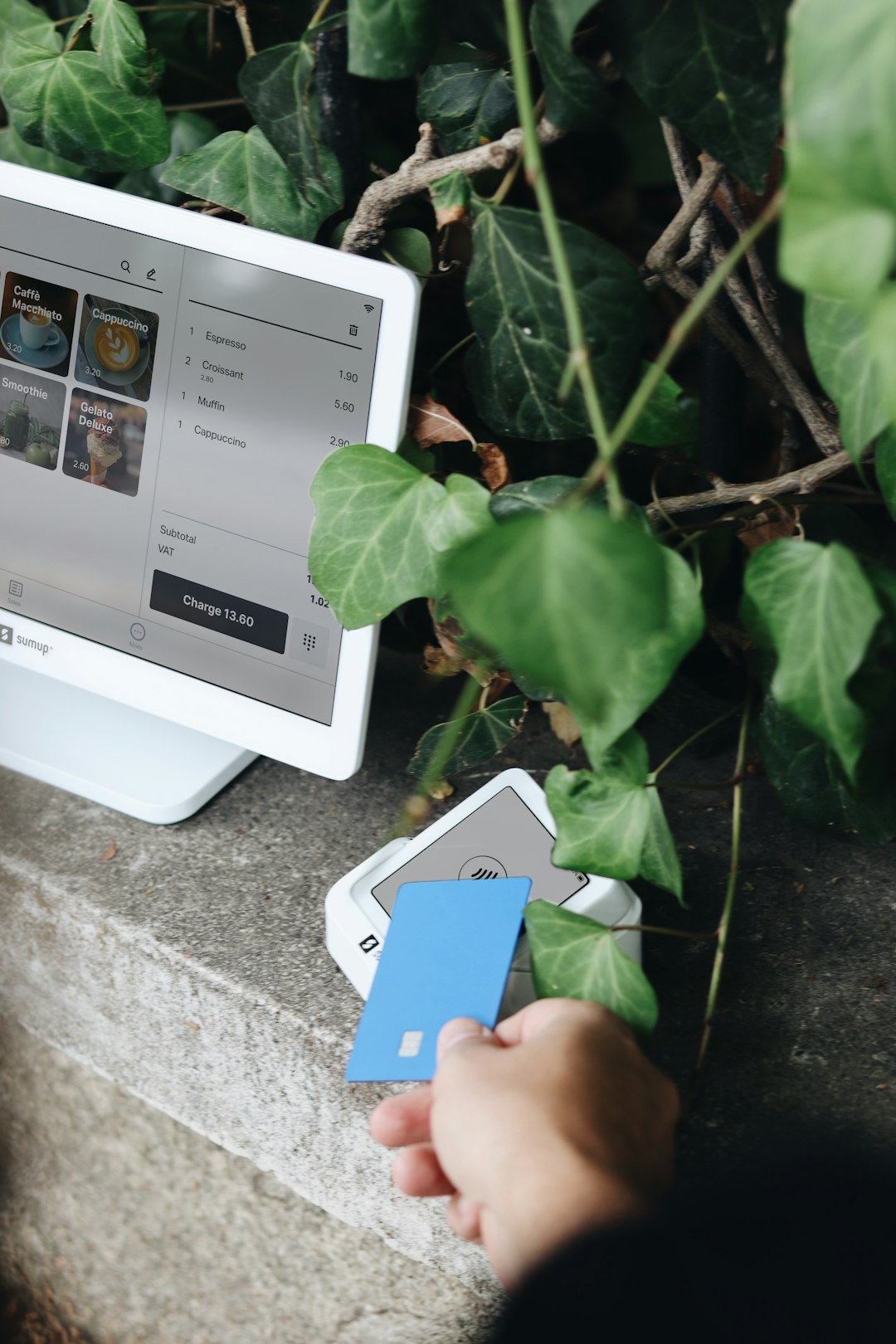
4. Better Online Shopping Experience
Checkout becomes smooth. Quick. Almost fun.
You see something you like. Add to cart. Click checkout. Auto fill completes the boring part. Done.
Different Types of Auto Form Fill Tools
Not all tools are the same. There are several types.
Browser Built-In Auto Fill
Most modern browsers already have basic auto fill. They store:
- Addresses
- Payment methods
- Passwords
This is a good starting point. Simple and free.
Password Manager Software
These tools specialize in login forms. But they also store other personal details.
They often include:
- Encrypted storage
- Secure password sharing
- Alerts for weak passwords
Great for both personal and business use.
Advanced Form Filling Tools
Some tools are designed specifically for heavy form users. For example:
- Online sellers
- Recruiters
- Administrative staff
- Freelancers
These tools can store multiple profiles. That means you can switch between work and personal details instantly.
Is Auto Form Fill Safe?
This is a common question. And an important one.
The short answer: Yes, if you use trusted software.
Most reliable tools use strong encryption. That means your data is scrambled and protected. Even if someone intercepts it, they cannot read it.
But you should still follow simple rules:
- Use a strong master password
- Enable two-factor authentication
- Keep your devices secure
- Avoid public computers
Security is always a mix of good software and good habits.
Who Should Use Auto Form Fill Software?
Almost everyone.
But here are some people who benefit the most:
Busy Professionals
If you’re constantly signing up for tools, booking meetings, or filling client forms, time matters.
Online Shoppers
If you shop often, auto fill makes checkout incredibly smooth.
Job Seekers
Applying for jobs means filling the same details again and again. Auto fill speeds this up.
Students
Scholarship forms. Course registrations. Online tools. It all adds up.
Small Business Owners
You already juggle a lot. Let software handle the small repetitive tasks.
Common Myths About Auto Fill
Let’s clear up a few misunderstandings.
“It’s Only for Lazy People.”
Nope. It’s for smart people who value their time.
“It’s Not Secure.”
Modern tools are built with strong security systems. Many are safer than writing passwords in a notebook.
“It’s Hard to Set Up.”
Most tools take just a few minutes to configure. After that, everything runs smoothly.
Tips for Getting the Most Out of Auto Form Fill
Want to maximize the benefits? Follow these simple tips:
- Keep your saved information updated
- Create separate profiles for work and home
- Regularly review stored passwords
- Turn on automatic syncing across devices
- Test it on frequently used websites
The better organized your information is, the better the software performs.
The Future of Form Filling
Technology keeps getting smarter.
Auto fill tools now use intelligent recognition. They learn patterns. They suggest improvements. Some even detect when forms are poorly designed and adjust automatically.
In the future, we may see:
- Voice-controlled form filling
- Biometric authentication for sensitive data
- AI-powered error detection before submission
Less typing. More convenience.
Final Thoughts
Online forms are not going away. If anything, there will be more of them.
But you don’t have to waste minutes every day typing the same details.
Auto form fill software turns a repetitive task into a one-click experience.
It saves time. It reduces stress. It increases security when used correctly.
And best of all? Once it’s set up, you barely have to think about it.
That’s the beauty of smart digital tools. They quietly do the boring work so you can focus on what really matters.
Next time you see a long online form, imagine it filling itself in seconds.
Because it can.
