

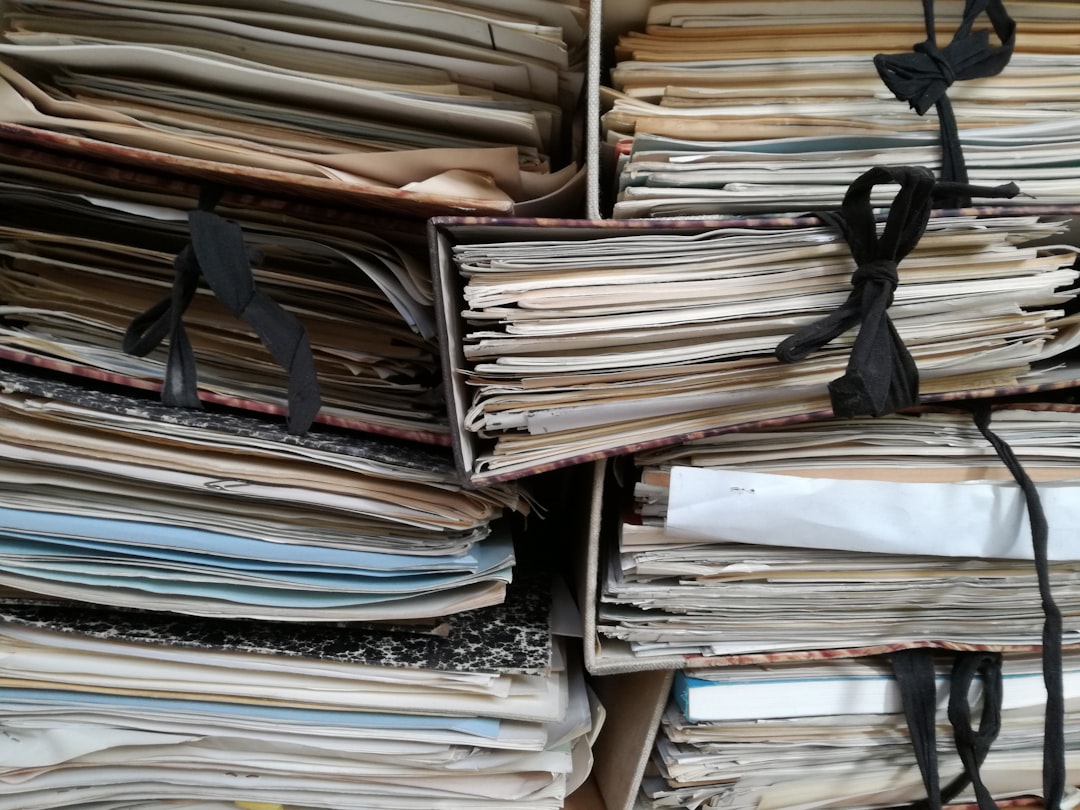
Museums around the world are undergoing a digital transformation. From small local heritage centers to globally recognized institutions, the need to efficiently document, preserve, and organize collections has never been more urgent. As collections grow in size and complexity, traditional paper-based cataloging methods are increasingly replaced by powerful digital tools designed specifically for cultural institutions.
TLDR: Museum collection management apps help institutions digitize, catalog, and organize their collections efficiently and securely. These platforms centralize data, improve accessibility, and support preservation efforts. With features such as cloud storage, workflow automation, and public access portals, they are transforming how museums operate. Choosing the right app depends on collection size, budget, and institutional goals.
Collection management software empowers museums to document artifacts, track locations, maintain conservation records, and provide digital access to researchers and the public. By simplifying administrative processes and enhancing collaboration, these apps allow staff to focus more on research, interpretation, and community engagement.
The Importance of Digitizing Museum Collections
Digitization serves several critical purposes in modern museum operations:
- Preservation: Minimizes physical handling of fragile objects by providing digital surrogates.
- Accessibility: Makes collections searchable for scholars and the general public worldwide.
- Risk Management: Creates secure backups in case of disasters or theft.
- Operational Efficiency: Streamlines tracking, reporting, and loans management.
The shift toward digital cataloging is not only about convenience but also about safeguarding cultural heritage for future generations.
Core Features of Museum Collection Management Apps
While individual platforms vary, most modern systems include the following features:
1. Centralized Database
A unified system stores detailed information about each item, including provenance, acquisition date, condition, and location. Advanced filtering and search functions make retrieval fast and accurate.
2. Image and Media Integration
High-resolution images, 3D scans, video documentation, and audio files can be linked directly to object records, creating comprehensive digital profiles.
3. Inventory and Location Tracking
Barcode and RFID integration allow real-time tracking of objects across storage rooms, exhibits, and loan destinations.
4. Conservation and Condition Reporting
Detailed conservation notes and treatment histories are logged systematically, supporting preventive care strategies.
5. Loan and Exhibition Management
Apps streamline outgoing and incoming loans, insurance documentation, shipping logistics, and exhibition planning.
6. Public Access Portals
Many systems offer web publishing tools that allow selected records to be displayed online, encouraging transparency and community engagement.
Popular Museum Collection Management Apps
Several established platforms are widely used in the museum sector. Each caters to different types and sizes of institutions.
1. PastPerfect
PastPerfect is popular among small to mid-sized museums. It offers modules for archives, objects, photographs, and library materials. Its user-friendly interface and affordable pricing make it accessible for community museums.
2. TMS (The Museum System)
TMS is widely used by large institutions. It provides robust cataloging, exhibition management, and integration with online collection portals. Its scalability supports complex organizational structures.
3. CollectionSpace
An open-source platform, CollectionSpace emphasizes flexibility and collaboration. Institutions can customize workflows and data fields to fit specialized needs.
4. EMu
EMu is designed for multi-disciplinary museums and natural history collections. It supports complex taxonomies and scientific data management.
5. ArtBase
ArtBase focuses on art galleries and private collections. Its cloud-based approach and intuitive dashboard simplify collection oversight.
Comparison Chart of Leading Apps
| App | Best For | Deployment | Customization | Public Access Tools |
|---|---|---|---|---|
| PastPerfect | Small to mid museums | Desktop and cloud | Moderate | Available add-ons |
| TMS | Large institutions | Cloud and on premise | High | Integrated portal |
| CollectionSpace | Flexible institutions | Cloud | Very high | Configurable |
| EMu | Natural history museums | On premise and cloud | High | Supported |
| ArtBase | Galleries and private collections | Cloud | Moderate | Built-in viewing rooms |
Benefits for Different Types of Museums
Art Museums
Art museums benefit from high-resolution image management and detailed provenance tracking. These tools facilitate research and exhibition planning while ensuring authenticity documentation.
History Museums
Historical institutions rely heavily on archival documentation. Digital apps consolidate oral histories, documents, and artifact records into searchable databases.
Science and Natural History Museums
Specimen tracking, taxonomy classification, and research collaboration are greatly enhanced by advanced data structuring capabilities.
University and Special Collections
Academic collections benefit from integration with research databases and library systems, enabling interdisciplinary scholarship.
Key Considerations When Choosing an App
Before adopting a system, museums should evaluate:
- Collection Size: Larger collections require scalable architecture.
- Budget Constraints: Consider licensing, customization, and maintenance costs.
- Staff Expertise: Some systems require technical administrators.
- Cloud vs On Premise: Cloud systems reduce IT overhead but require strong internet connectivity.
- Data Migration Needs: Transitioning from legacy systems can be complex.
Engaging staff in the decision-making process ensures smoother adoption and greater long-term success.
The Role of Automation and Emerging Technologies
Modern collection apps increasingly incorporate automation and artificial intelligence. Examples include:
- Automated Metadata Tagging: AI suggests keywords for uploaded images.
- Optical Character Recognition: Converts handwritten or printed records into digital text.
- Predictive Conservation Alerts: Notifies staff of environmental risks.
- 3D Object Rendering: Enables virtual exhibitions and interactive experiences.
These innovations expand access while preserving delicate materials and enhancing audience engagement.
Security and Data Protection
Digitized collections must be protected against cyber threats. Leading apps offer:
- Encrypted cloud storage
- Role-based access controls
- Regular automated backups
- Compliance with data protection standards
Security is particularly important for institutions managing culturally sensitive or high-value assets.
Implementation Best Practices
Successful implementation requires planning and structured workflows:
- Audit Current Records: Assess existing documentation quality.
- Standardize Terminology: Establish consistent naming conventions.
- Train Staff: Provide hands-on training and documentation.
- Phase Digitization: Prioritize high-risk or high-demand objects first.
- Monitor and Evaluate: Review system performance periodically.
With the right preparation, digitization can significantly improve both internal operations and public engagement.
The Future of Museum Collection Management
As digital transformation continues, collection management apps will become more integrated with virtual reality, augmented reality, and global research networks. Open data initiatives may enable cross-institutional sharing, promoting collaborative discoveries. Museums that invest in advanced digital tools today position themselves as dynamic centers of knowledge in an increasingly online world.
Ultimately, museum collection management apps do more than organize artifacts—they preserve stories, connect communities, and ensure cultural memory remains accessible for generations to come.
Frequently Asked Questions (FAQ)
1. What is a museum collection management app?
It is specialized software designed to catalog, track, preserve, and manage museum objects digitally.
2. Are these apps suitable for small museums?
Yes. Many platforms offer scalable solutions and pricing models tailored to small institutions and community museums.
3. How long does digitization take?
The timeline depends on collection size, staff availability, and data quality. It can range from months to several years.
4. Is cloud storage secure for museum collections?
Reputable vendors provide encrypted storage, multi-factor authentication, and regular backups to ensure data security.
5. Can these systems integrate with public websites?
Yes. Many apps include web publishing tools that allow museums to share selected collection records online.
6. What is the biggest benefit of using a collection management app?
The primary benefit is improved organization and accessibility, enabling better preservation and broader public engagement.
