

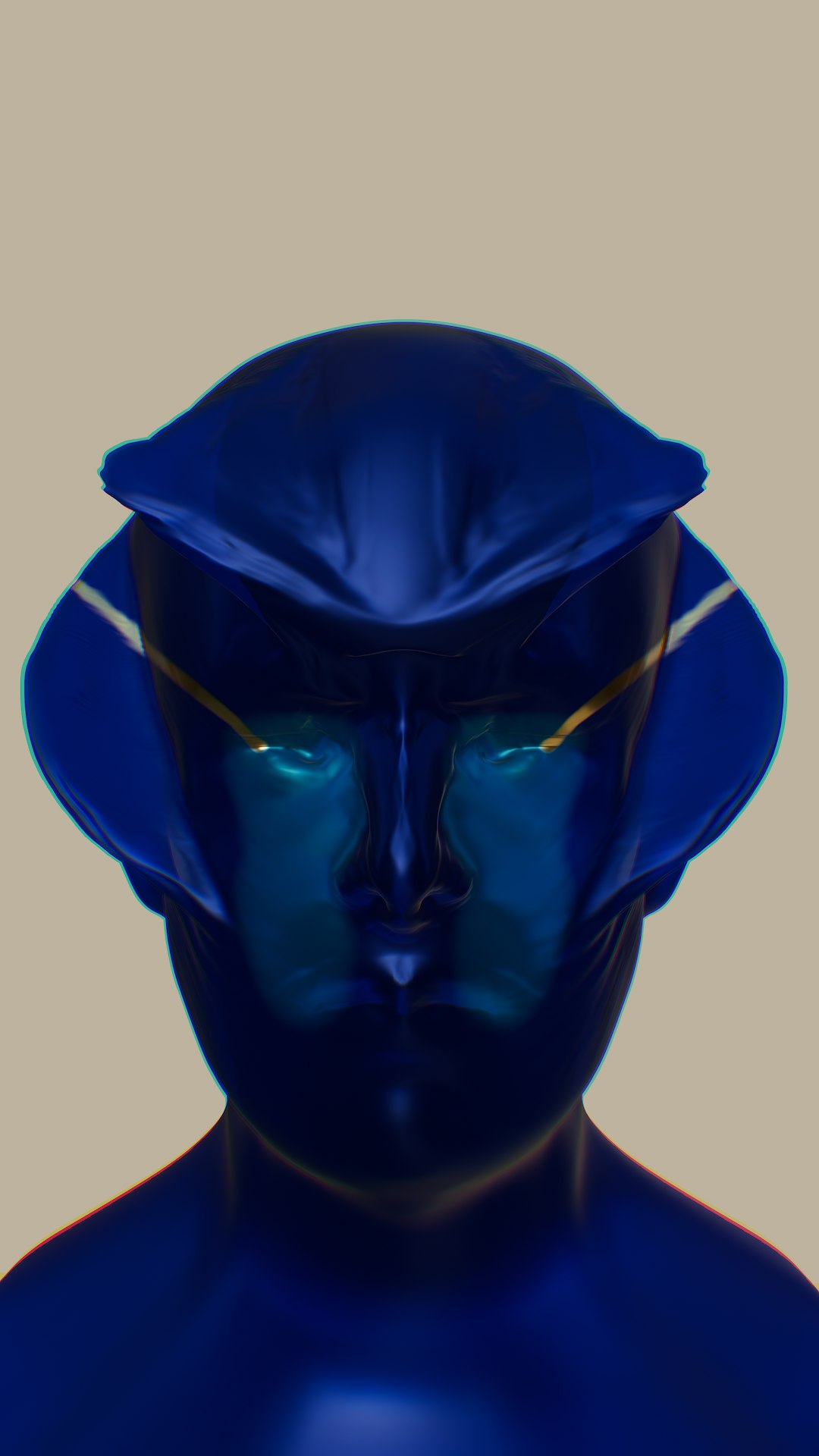
Cosplay is where imagination meets craftsmanship. Whether you are building a screen-accurate superhero suit or giving your own twist to a fantasy warrior, the process begins long before the sewing machine starts humming or the foam gets heat-shaped. Today’s cosplay design platforms make it easier than ever to sketch, plan, and execute complex ideas with precision and confidence. From digital drawing tablets to 3D modeling software and project management apps, the right tools can transform an overwhelming concept into a step-by-step creative journey.
TL;DR: Modern cosplay design platforms help creators visualize, organize, and build costumes with greater accuracy and efficiency. Digital sketching apps, 3D modeling programs, and planning tools reduce mistakes and streamline production. Many platforms support collaboration, pattern drafting, and even physical simulation of fabrics and armor. Choosing the right combination of tools can dramatically improve both your workflow and final results.
In this guide, we explore the top platforms that empower cosplayers to turn ideas into wearable art, and how each fits into different stages of the creative process.
Why Digital Platforms Matter in Cosplay
Traditionally, cosplay design relied heavily on paper sketches, printed references, and trial-and-error construction. While those methods are still valuable, digital tools offer powerful advantages:
- Precision: Scaled measurements and grids reduce costly material mistakes.
- Visualization: 3D previews let you see how armor or props look from all angles.
- Efficiency: Quick edits save hours compared to redrawing by hand.
- Collaboration: Share drafts instantly with teammates or commissioners.
- Organization: Track materials, deadlines, and budgets in one place.
Most experienced cosplayers combine multiple tools rather than relying on just one. Let’s break the process into three key stages: sketching, planning, and execution.
1. Sketching and Concept Development Platforms
Every cosplay begins with a concept. Whether you’re recreating a character or developing an original design, digital sketching platforms give you flexibility and room to experiment.
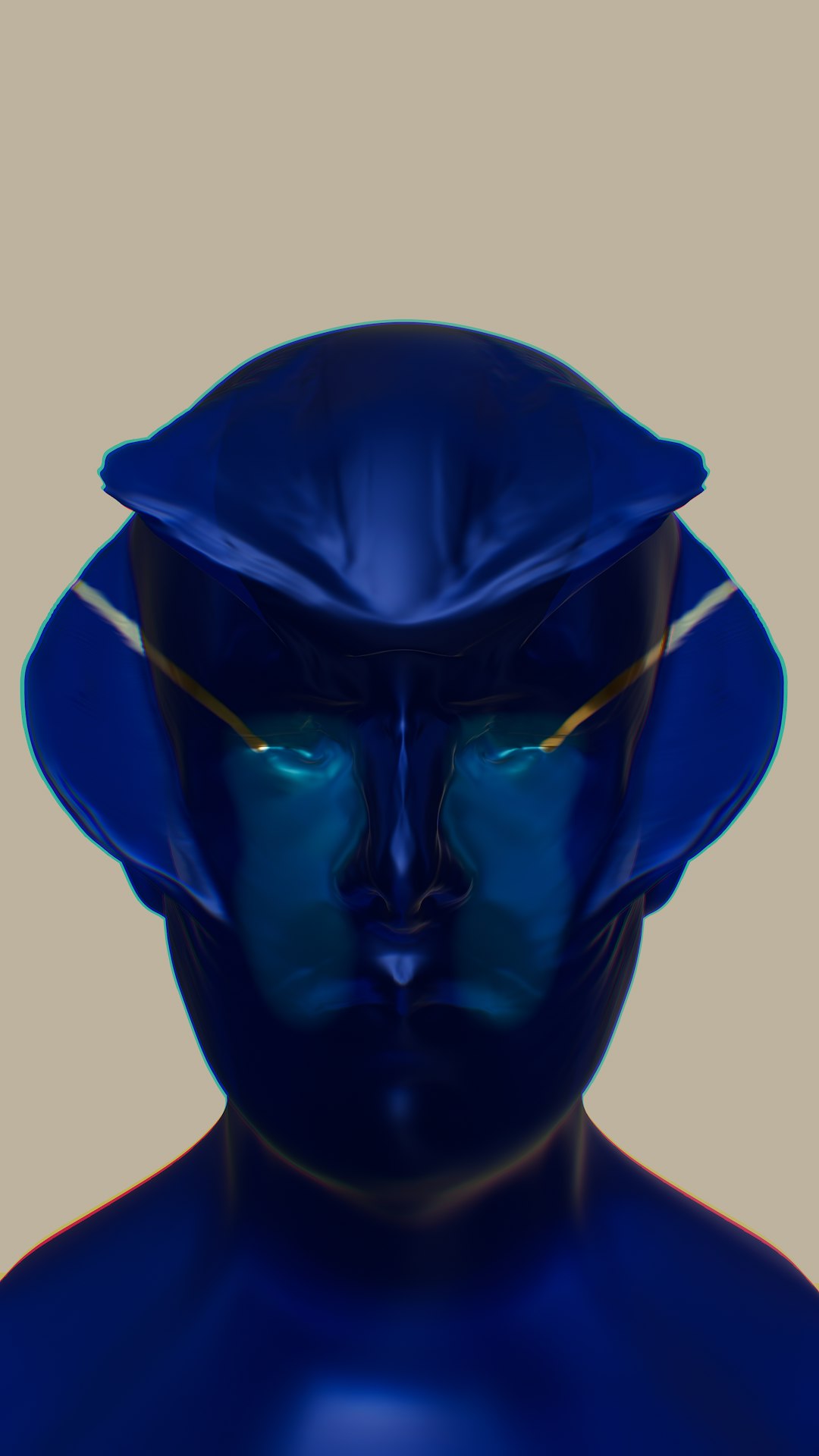
Procreate
A favorite among iPad users, Procreate offers:
- Layer-based illustration
- Custom brush creation
- Time-lapse replay for reviewing your design evolution
Its intuitive interface makes it ideal for quick costume renderings, color palette testing, and detailing armor accents or embroidery patterns.
Adobe Photoshop
Photoshop remains a powerhouse for:
- Advanced photo manipulation
- Texture overlays
- Lighting simulations
Cosplayers often use it to paint over reference images or test fabric patterns digitally before purchasing materials.
Clip Studio Paint
Particularly popular among character artists, Clip Studio Paint offers poseable 3D mannequins that help visualize how clothing and armor sit on the body.
Best For: Designing complex layered outfits and experimenting with movement-friendly designs.
2. 3D Modeling and Pattern Drafting Tools
Once the concept is solid, translating two-dimensional designs into buildable forms becomes the next challenge. This is where 3D modeling platforms shine.
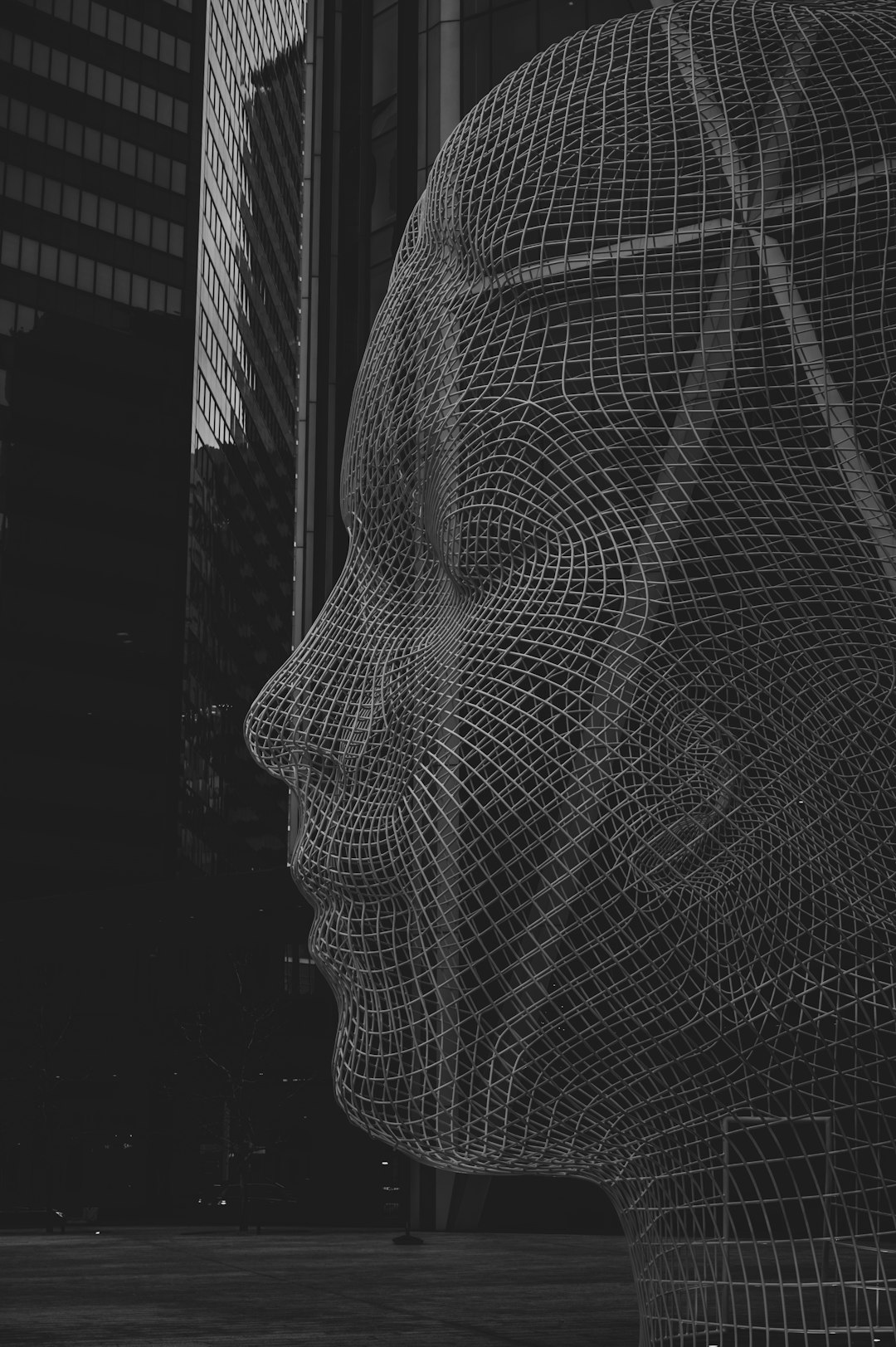
Blender
Blender is a free, open-source 3D modeling program capable of producing:
- Armor mockups
- Prop replicas
- Helmet and weapon blueprints
Cosplayers can model pieces digitally, scale them to their body measurements, and export templates for foam cutting or 3D printing.
Marvelous Designer
This platform specializes in realistic fabric simulation. It allows users to:
- Create garment patterns
- Simulate drape and weight
- Adjust seams dynamically
If your cosplay includes flowing capes, pleated skirts, or complex tailoring, this tool drastically reduces guesswork.
Fusion
Ideal for mechanical props and intricate weapons, Fusion offers parametric modeling that ensures precision. It’s particularly useful for creators working with:
- 3D printers
- Laser cutters
- CNC machines
3. Planning and Project Management Tools
Amazing designs fall apart without organization. Managing deadlines, budgets, and materials is critical—especially for convention builds.
Trello
Trello uses boards and task cards to break your cosplay into manageable steps such as:
- Fabric sourcing
- Armor assembly
- Painting and weathering
It’s perfect for tracking progress visually.
Notion
For more detailed documentation, Notion offers customizable databases to log:
- Measurements
- Material costs
- Reference images
- Packing checklists
Google Sheets
Sometimes simplicity wins. Spreadsheets are excellent for budgeting, commission tracking, or calculating fabric yardage.
Comparison Chart of Major Cosplay Design Platforms
| Platform | Primary Use | Skill Level | Cost | Best For |
|---|---|---|---|---|
| Procreate | Digital Sketching | Beginner to Advanced | One Time Purchase | Concept art and color testing |
| Photoshop | Advanced Design Editing | Intermediate to Advanced | Subscription | Texture and lighting mockups |
| Blender | 3D Modeling | Intermediate | Free | Armor and prop templates |
| Marvelous Designer | Garment Simulation | Intermediate | Subscription | Realistic clothing patterns |
| Fusion | Mechanical Modeling | Advanced | Free and Paid Tiers | Precision prop manufacturing |
| Trello | Task Management | Beginner | Free and Paid Tiers | Step by step build tracking |
| Notion | Project Organization | Beginner to Intermediate | Free and Paid Tiers | Comprehensive documentation |
How These Platforms Work Together
Rarely does a cosplayer rely on only one tool. A typical workflow might look like this:
- Sketch the concept in Procreate.
- Refine proportions using Blender’s 3D mannequin.
- Create fabric patterns in Marvelous Designer.
- Export armor files for 3D printing.
- Track progress in Trello or Notion.
This interconnected approach reduces errors and ensures measurements remain consistent across all components.
Key Features to Look For
When choosing a cosplay design platform, prioritize features that align with your style and goals:
- Scalability: Can you resize models to your exact measurements?
- Export Options: Are file formats compatible with 3D printers or cutting machines?
- Learning Resources: Does the software offer tutorials or active community forums?
- Cross Device Support: Can you design on a tablet and refine on a desktop?
- Budget Fit: Subscription fees should match your project volume.
Tip: If you are just starting, begin with free versions before committing financially.
The Future of Cosplay Design Technology
Technology continues to expand creative possibilities. Emerging tools include:
- AI-assisted concept generation for rapid design exploration
- Augmented reality previews to test costume fit virtually
- Body scanning apps that import exact measurements into modeling software
As these innovations grow more accessible, cosplay builds may become faster, more precise, and even more elaborate.
Final Thoughts
Cosplay is a labor of love—but it doesn’t have to be chaotic. With the right digital platforms, you can turn ambitious ideas into achievable blueprints. Sketching apps unlock creative freedom, 3D modeling tools deliver structural accuracy, and planning platforms keep everything on schedule.
The artistry will always come from you—your imagination, craftsmanship, and passion. But with powerful design software at your side, the path from concept art to convention floor becomes smoother, smarter, and far more exciting.
In the end, cosplay design platforms aren’t just tools. They’re creative partners helping bring your most daring character transformations to life.
