


I spent 30 days using the Nova AI app every single day. I used it for work. I used it for fun. I even used it to help plan my meals and write awkward emails. In this review, I’ll break down exactly what worked, what didn’t, and whether it’s worth your time and money.
TLDR: Nova AI is fast, easy to use, and great for writing, brainstorming, and quick answers. It saves time and feels beginner-friendly. But it can get repetitive, sometimes lacks deep accuracy, and advanced features sit behind a paywall. After 30 days, I like it—but it’s not perfect.
First Impressions
When I first opened Nova AI, I was surprised by how clean it looked. No clutter. No confusing menus. Just a simple chat box and a few tool options.
It felt welcoming. Almost friendly.
The setup took less than five minutes. I created an account, chose a plan, and started typing. That’s it.

The learning curve? Almost zero.
If you know how to text, you know how to use Nova AI.
What I Used Nova AI For (Daily)
Before jumping into pros and cons, here’s how I actually used it:
- Writing blog posts
- Summarizing long articles
- Creating social media captions
- Email drafts
- Brainstorming business ideas
- Language translation
- Study explanations
I didn’t use it lightly. I tested it hard.
The 6 Pros After 30 Days
1. Extremely Easy to Use
This is Nova’s biggest strength.
No tech skills required. No coding. No complicated prompt engineering.
You type. It responds.
The interface feels smooth. Clean fonts. Fast responses. Simple layout.
For beginners, this is huge.
If other AI tools feel overwhelming, Nova feels calming.
2. Fast Response Time
Speed matters.
Nova replies in seconds. Even with longer prompts.
This made a big difference when I was working on deadlines. I didn’t feel slowed down.
It feels almost like texting a very smart friend who types quickly.
3. Great for Everyday Writing
Blog drafts? Solid.
Instagram captions? Fun.
Email replies? Clear and professional.
Nova shines in everyday writing tasks.
It understands tone well. You can say:
- “Make this more professional.”
- “Make this sound funny.”
- “Shorten this.”
And it actually listens.
I saved hours each week using it for drafting.
4. Solid Idea Generator
Stuck? Nova helps.
I used it to brainstorm:
- Podcast names
- YouTube video ideas
- Business slogans
- Product descriptions
Not every idea was gold. But many were surprisingly creative.
It’s like having a brainstorming partner who never gets tired.
5. Good for Summaries and Simplifying Topics
This was one of my favorite uses.
I pasted long articles into Nova. It turned them into short summaries.
I asked it to explain complex topics “like I’m 12.”
It actually did a great job.
Students and busy professionals will love this feature.
6. Cross-Platform Access
I used Nova on:
- My phone
- My tablet
- My desktop
Everything synced smoothly.
This flexibility made it part of my daily routine.
On the couch? Phone.
At my desk? Laptop.
Simple. Convenient.
The 6 Cons After 30 Days
Now let’s talk about the not-so-perfect parts.
1. Answers Can Feel Repetitive
After heavy use, I noticed patterns.
Some phrases repeat. Certain structures show up again and again.
If you use it daily, you’ll spot it.
This isn’t a dealbreaker. But it’s noticeable.
2. Not Always Deep Enough
For basic writing? Great.
For advanced technical research? Not amazing.
Sometimes answers stayed surface-level.
I had to ask follow-up questions to dig deeper.
If you’re a researcher or specialist, you might want more depth.
3. Fact Accuracy Needs Double-Checking
This is important.
Nova is smart. But it’s not perfect.
Occasionally, it gave outdated or slightly incorrect information.
Nothing wildly wrong. But enough that I double-checked facts.
Always verify important data.
4. Advanced Features Cost Extra
The free version is okay.
But the more powerful tools sit behind a subscription.
After 30 days, I felt the free plan was limiting.
If you want serious use, expect to pay.
5. Limited Customization
Some AI tools let you deeply customize tone, memory, or behavior.
Nova keeps it simple.
That’s good for beginners.
But advanced users may want more control.
6. Creative Writing Isn’t Always Unique
I tested it with short stories.
The results were decent. But sometimes predictable.
Plots felt familiar.
Characters felt generic.
It’s a good starting point. But human editing makes a big difference.
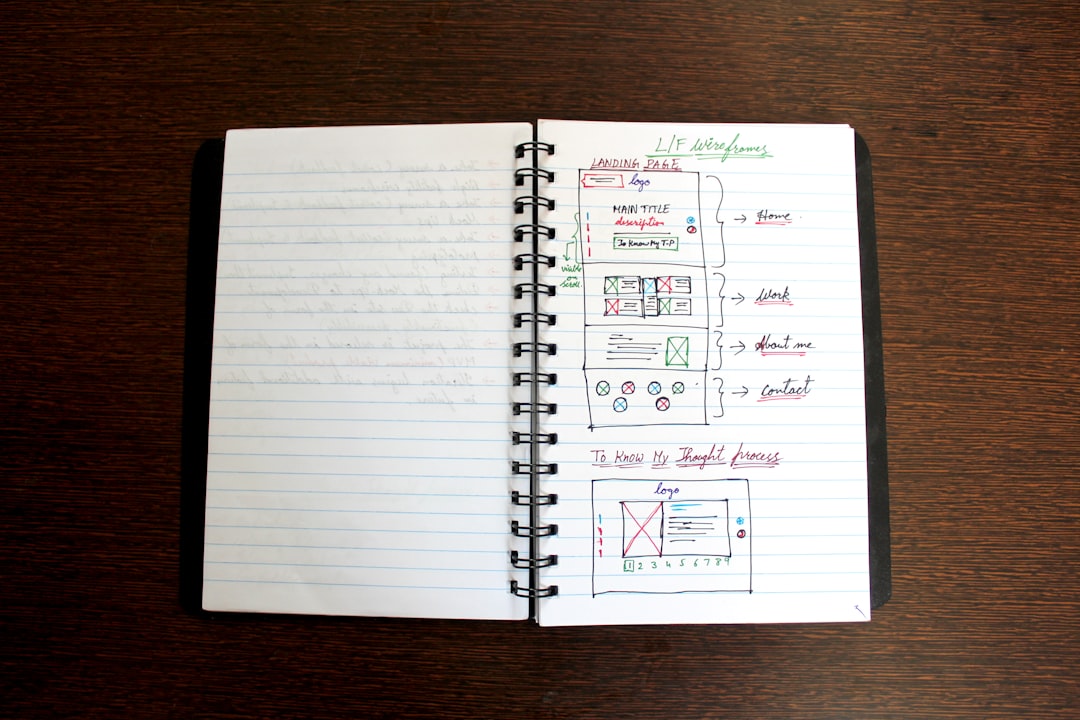
Comparison Chart: Pros vs Cons
| Area | What Works Well | What Could Improve |
|---|---|---|
| Ease of Use | Very beginner-friendly | Limited advanced controls |
| Speed | Fast responses | Occasional minor lag on long prompts |
| Writing Quality | Clear and structured output | Can sound repetitive |
| Research Help | Good summaries | Needs fact-checking |
| Creativity | Strong for brainstorming | Stories can feel generic |
| Pricing | Free version available | Best tools require subscription |
Who Is Nova AI Best For?
After 30 days, I believe Nova AI is perfect for:
- Students
- Bloggers
- Small business owners
- Social media managers
- Busy professionals
If you need fast, simple, reliable writing help—it’s a strong choice.
If you need deep academic research or highly technical output, you may need additional tools.
Did It Actually Save Me Time?
Yes.
That’s the biggest win.
I estimate Nova saved me 5–7 hours per week.
That’s real time.
Time I used to:
- Exercise
- Relax
- Plan bigger projects
AI didn’t replace my thinking.
It supported it.
Final Verdict After 30 Days
Nova AI is not magical.
It won’t replace human creativity.
It won’t always be perfectly accurate.
But it is practical. Fast. Helpful.
And sometimes, that’s exactly what you need.
6 Pros:
- Very easy to use
- Fast responses
- Strong everyday writing
- Great brainstorming
- Solid summaries
- Works across devices
6 Cons:
- Can feel repetitive
- Not deeply technical
- Needs fact-checking
- Subscription required for full power
- Limited customization
- Creative writing can feel generic
After 30 days, I’m still using it.
That says a lot.
Would I recommend it?
Yes—especially if you’re new to AI and want something simple that just works.
Just remember: it’s a tool. Not a replacement for your brain.
Use it wisely. And it will save you time.
