

Got a killer freelance gig but still handing out boring business cards? That’s gotta change! Looking premium doesn’t have to cost a fortune. With the right business card maker, you can look like a pro without breaking the bank. Let’s explore the best tools that make business card design fun, fast, and fancy.
TLDR:
Freelancers don’t need a giant budget to create awesome business cards. There are several free or low-cost tools that offer premium-looking templates, easy customizations, and printing options. Whether you’re going for sleek and minimal or bold and artsy, there’s a tool here for you. Here are 15 winning picks to help you shine.
1. Canva
Best for: All-around designing on a budget
Canva is a top choice for a reason. Super easy to use, loaded with beautiful templates, and even the free version is powerful. You can drag, drop, change colors, and even upload your logo. Plus, their premium plan is affordable.
Bonus: You can print cards directly from Canva.
2. Vistaprint
Best for: Print-focused designs
Vistaprint is known for printing, but did you know you can design with them too? Their interface is simple and made for newbies. Choose from hundreds of templates or upload your own. Great for when you’re ready to hit print right away.
3. Zazzle
Best for: Artsy freelancers with flair
Zazzle gives you access to tons of cool, creative designs from real artists. You can edit the templates or design your card from scratch. And if you want shimmering foil effects, they’ve got that, too.
4. Adobe Express (formerly Adobe Spark)
Best for: Pro design touches
If you love Adobe vibes but hate the complexity of Photoshop, Adobe Express is perfect. It’s beginner-friendly but still powerful. Make your card in minutes, and it’ll look like you hired a designer.
5. Crello (now VistaCreate)
Best for: Canva alternative with animated options
Similar to Canva, VistaCreate offers a fun interface, lots of templates, and options for both static and animated visuals. If you also want social media visuals to match your biz cards, this is a good pick.
6. Moo
Best for: Premium feel without the premium price
Moo lets you design high-end business cards with thick paper and cool finishes like gold foil or rounded corners. They’re a little more pricey, but the quality is exceptional. Good news: their mini cards are wallet-friendly! Perfect for freelancers ready to step up their game.
7. Designhill Business Card Maker
Best for: Fast and professional designs
Designhill is a graphic design platform, but their business card maker tool is super simple. Answer a few questions and get AI-generated templates based on your branding. Great for those in a hurry!
8. Fotor
Best for: Freelancers that love visual drama
Fotor offers stylish layouts and high-resolution graphic elements. It’s easy to tweak templates and export fancy business cards, even on the free plan. Their editing tools are photo-focused, so your headshot will pop!
9. Jukebox Print
Best for: Sustainable, textured, and unique cards
Looking to stand out in the green business space? Jukebox does recycled paper, textured prints, and tons of physical customization. Their online maker is simple, and you can upload your own design if you prefer.
10. Logaster
Best for: Branding and logo lovers
Logaster is mainly for logo creation but includes a solid business card generator. Once you create your logo, you can automatically generate branding materials—including elegant business cards.
11. Business Card Maker by Shopify
Best for: E-commerce freelancers
If you already have a Shopify store or use it for your clients, their free business card tool is quick and simple. Just type in your info and download a card design! No frills, just fast results.
12. BrandCrowd
Best for: Freelancers who need design help
BrandCrowd creates full branding kits and includes business cards too. Choose from literally thousands of ideas. It’s great if you’re starting from scratch and want everything to match perfectly.
13. Placeit
Best for: Mockups with your cards
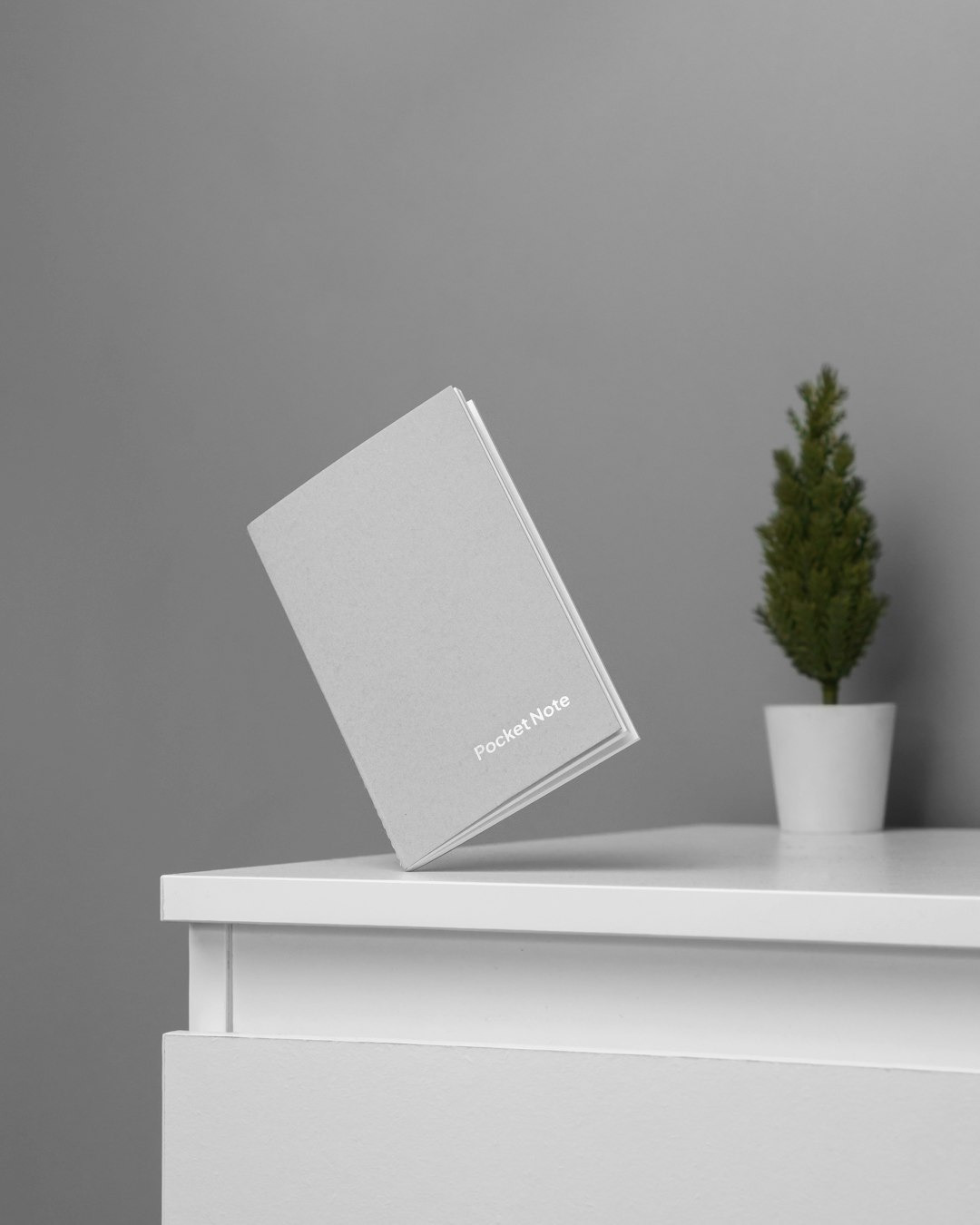
Placeit lets you design your card AND see it in realistic mockups—like your card on a desk or held by a hand. This is great for social sharing or client previews.
Tip: Their styles lean modern and fun.
14. Lucidpress
Best for: Advanced layouts with flexible design
Lucidpress is for those who love custom-building their layouts. Its drag-and-drop tools allow you to control spacing, fonts, and elements just right. A little more effort, but the results are sharp and professional.
15. Microsoft Word + Template Sites
Best for: Absolute beginners
Sounds old-school, but pair Microsoft Word with free template sources (like Template.net or Envato), and you’ve got yourself a powerful tool. If you don’t want to learn a new app, this method is foolproof.
Pro Tips for Freelancers Designing Business Cards
- Stay on brand: Match your website, logo, and other design styles.
- Choose good paper: Even with a great design, flimsy paper looks cheap.
- Don’t overcrowd: Keep it clean and readable.
- Add a QR code: Link to your portfolio or LinkedIn.
- Double-check the proof: Spelling errors are a deal-breaker!
Final Thoughts
Looking sharp doesn’t mean spending big. These business card makers help freelancers like you stand out in meetings, networking events, or even virtual hangouts. Find one that fits your style, experiment, and make something that says, “I’m a pro!”—even if you’re just getting started.
You only get one first impression. Let your business card make it count.
